TL;DR
- A 23-year-old admin assistant automated most of his job using Microsoft Power Platform for 2.5 years
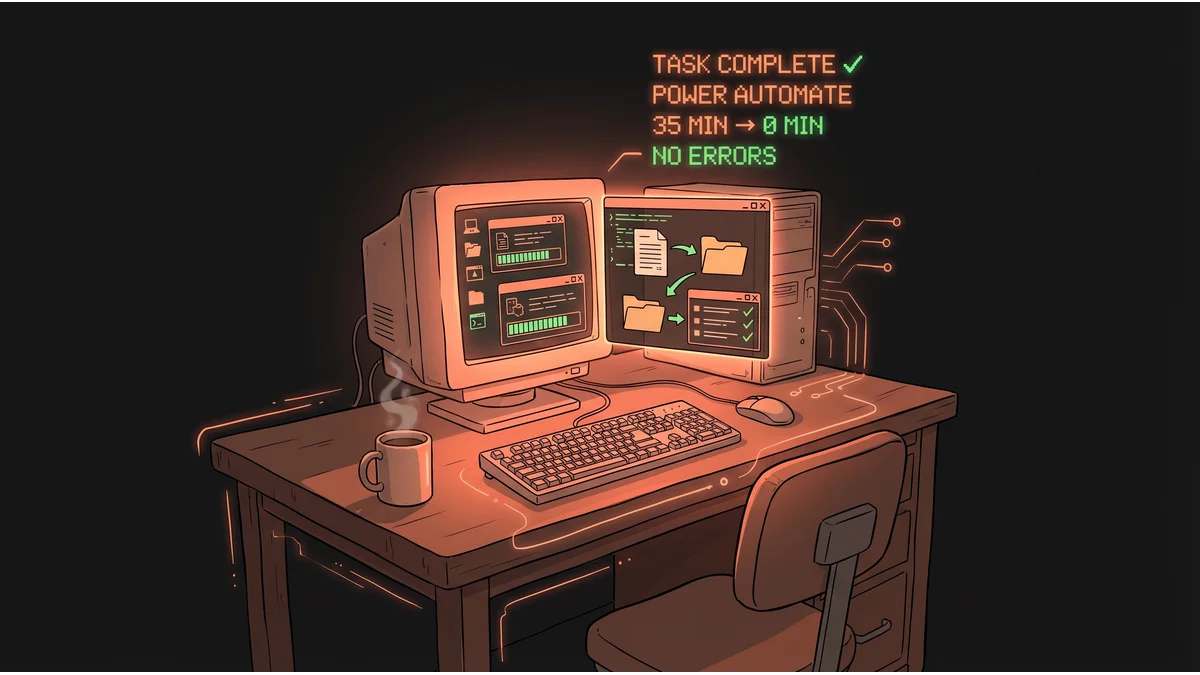
- Each task took 35 minutes manually; his automations ran without him present
- Investigated for fraud and misconduct; cleared completely — “no case to answer”
- The tools he used were company-provided; the Director of IT had encouraged all staff to use them
- His manager now works 8am–7pm doing the tasks manually since the automations were disabled
- Best for: Business owners rethinking what “admin overhead” actually is
- Key lesson: The tools are already in your Microsoft 365 subscription. The question is whether anyone’s using them.
A task completed while he was on break. That moment ended 2.5 years of invisible efficiency — and started an investigation for fraud.
The 23-year-old had stepped away from his desk for an emergency family call. Twenty minutes later, he returned to find his manager staring at his screen.
“How has that happened when you were away from your desk?”
“I do not understand what you mean.”
It wasn’t a great answer. It was the beginning of a six-week disciplinary process that would involve a union representative, an IT director as chair, a 2.5-hour hearing, and formally conclude: no case to answer.
What the Job Actually Was
The young man — a former junior solutions architect who had taken an admin role after being laid off — worked as an Office Support Assistant at a large company in England. Essentially: administrative support. The kind of role built around processes that have to happen, daily, the same way every time.
Each task took approximately 35 minutes to complete by hand.
There were several of them. Add it up: a substantial portion of a full working day, every day, for work that follows the same rules on repetition one as it does on repetition one hundred.
He didn’t install anything. He didn’t use external AI services. He didn’t move company data anywhere it wasn’t supposed to go. He used Microsoft Power Platform — the workflow automation suite already licensed by his employer, already deployed across the organization, and explicitly promoted by the company’s Director of IT in a company-wide email encouraging staff to use it to improve efficiency.
That email became central to his defense.
What He Built
Power Platform is not exotic technology. It ships with Microsoft 365. Most companies that pay for Microsoft 365 already have it. Very few use it.
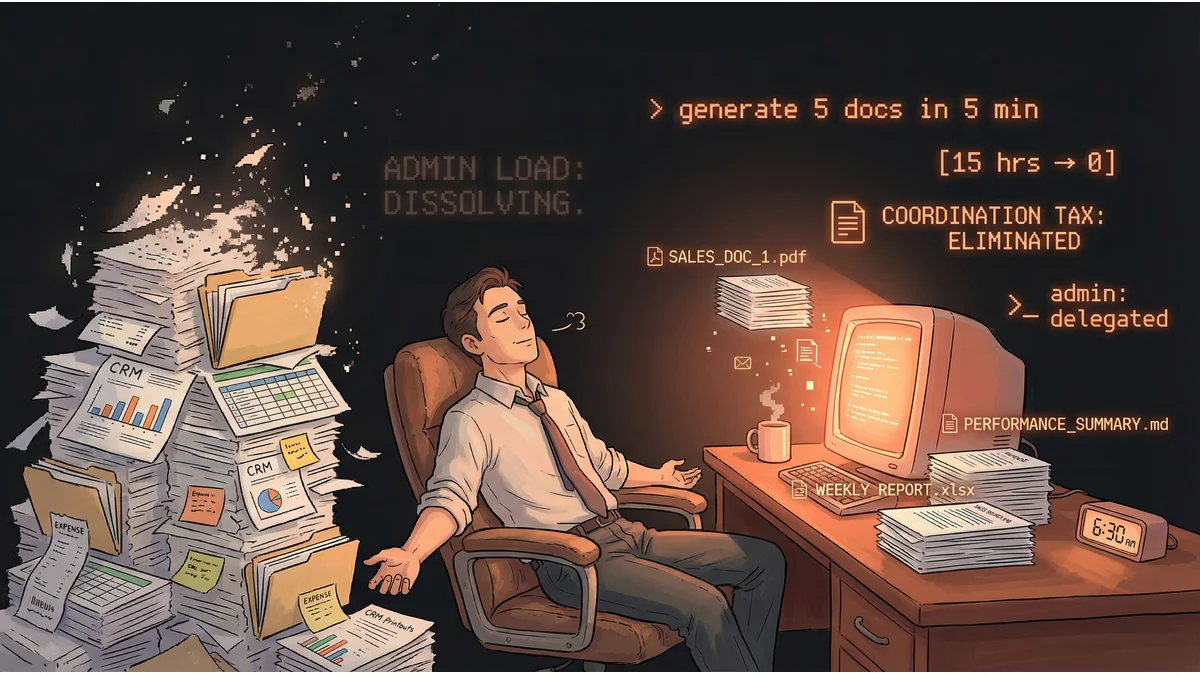
What he built was a set of automated workflows — processes that watch for conditions and execute when they’re met. A document arrives: route it. A deadline approaches: send the notification. A task is due: mark it complete. The system didn’t think or decide. It followed the same rules a human would, just without the 35-minute manual overhead wrapped around each one.
He ran this quietly for 2.5 years. During that time, his work had zero errors — he noted that some tasks previously assigned to a colleague (who had accuracy issues) had been shifted to him, and none had ever failed a quality check. He spent the freed time on internal training and helping colleagues. During a seven-month sick leave, he disabled the automations entirely: they required occasional maintenance, and nobody else on the team knew how they worked.
His plan was to leave in six months anyway.
The Accusation
The formal charges were stark: breach of duty of fidelity, misconduct, and potential fraud and dishonesty. The framing: that automation constituted deception — a misrepresentation of work performed.
His manager, 39, had a history of resisting even basic digital shortcuts. He didn’t permit spreadsheet formulas or VBA code. He required emails scheduled for a specific time to be sent manually at that moment. When he discovered that work had been completing itself, he removed all automated duties from the employee’s responsibilities, imposed hourly monitoring checks, and started doing the tasks himself.
The disciplinary hearing lasted 2.5 hours across two adjournments. Ten questions. A union representative who wasn’t technically his rep but showed up because the situation seemed worth helping with.
The Outcome
The IT Manager who chaired the hearing reviewed everything: the workflows, the data handling, the access logs. Findings: no AI had been used, all data had stayed within company systems, and the tools were explicitly company-approved.
The union rep walked through the Director of IT’s email — the one encouraging all staff to use Power Platform to improve efficiency. She noted that the output had been error-free for two years. That the employee had never been asked how he completed his work — only whether it was done. That the company had punished him before any investigation concluded, by stripping his duties and monitoring him hourly.
The decision: “No case to answer. No formal action. The matter will not be placed on your company file.”
The company gave him 28 days of discretionary paid leave. He filed a formal grievance against his manager.
His manager, who had taken over the manual processes during the investigation, was working until 6 or 7pm to complete what had previously completed with no one present.
What This Reveals
The drama of the case made it viral. But the more interesting question is quieter: what does an Office Support Assistant’s job actually consist of?
The answer, here, was: a series of 35-minute tasks. Tasks with rules. Tasks that look like human judgment but are really just pattern-matching and action-taking on repeat. Route this. Notify that. Update this. Send that.
His operational mistake was opacity. He never told anyone. When discovered, he gave an evasive non-answer. These were the actual grounds for investigation — not the automation, which was found entirely proper. Transparency would likely have produced a bonus and a promotion instead of a hearing.
The manager’s mistake was more expensive. He now works until 7pm doing manually what a rule-based workflow was handling silently.
The company’s mistake was structural. It had licensed the tools, published company-wide guidance encouraging their use, and then opened a fraud investigation against someone who followed that guidance.
The question that matters for any organization running on Microsoft 365: how much of your admin day looks like this? How many 35-minute tasks exist across your team? And if someone quietly automated them — getting the same output, with fewer errors, while spending the freed time on training and helping others — would you know?
The tools are already in your subscription. The question is whether anyone’s using them, and whether they feel safe telling you if they do.