TL;DR
- AI pipelines chain tools together so each step automatically feeds the next
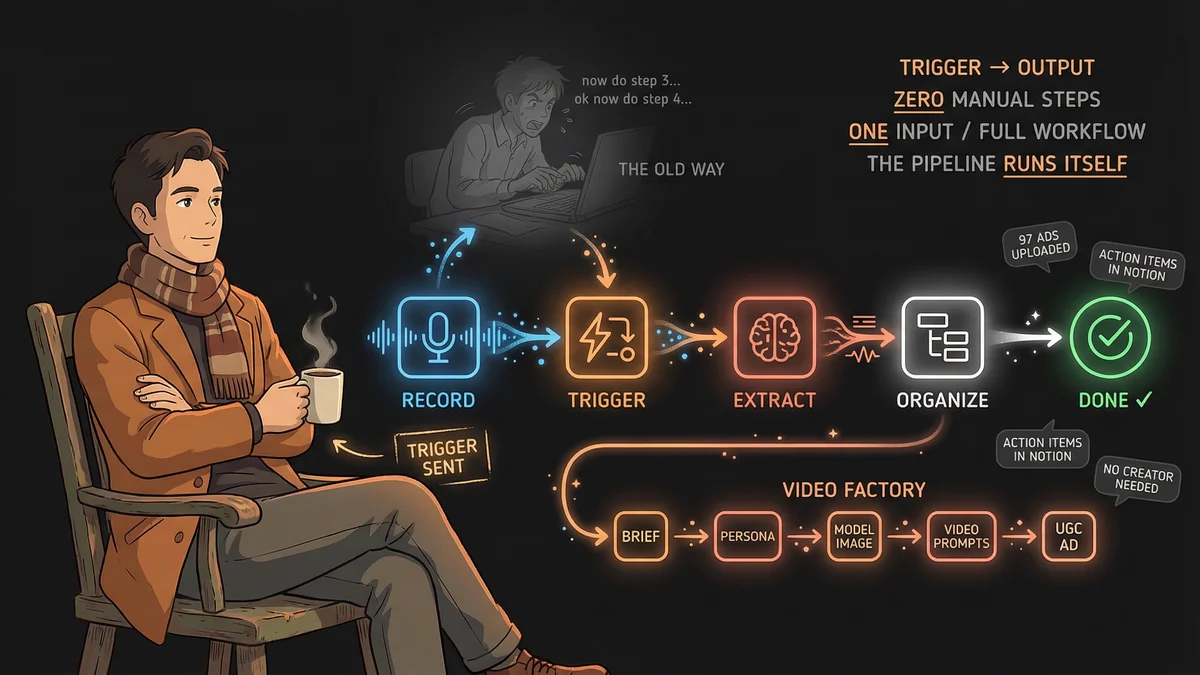
- Meeting pipeline: one recording → organized Notion action items, zero manual steps
- Video ad pipeline: one persona brief → synthetic UGC video ads, no human creator needed
- Ad rebuild pipeline: one directive → 118 campaigns audited, 97 ads uploaded via API in 48 hours
- Best for: Marketers, consultants, and business owners doing any repeating multi-step work
- Key lesson: Single-tool AI is a calculator; chained AI is a factory
Three people built the same thing in three different industries: a sequence where AI tools hand work to each other, trigger to output, with no human in the middle.
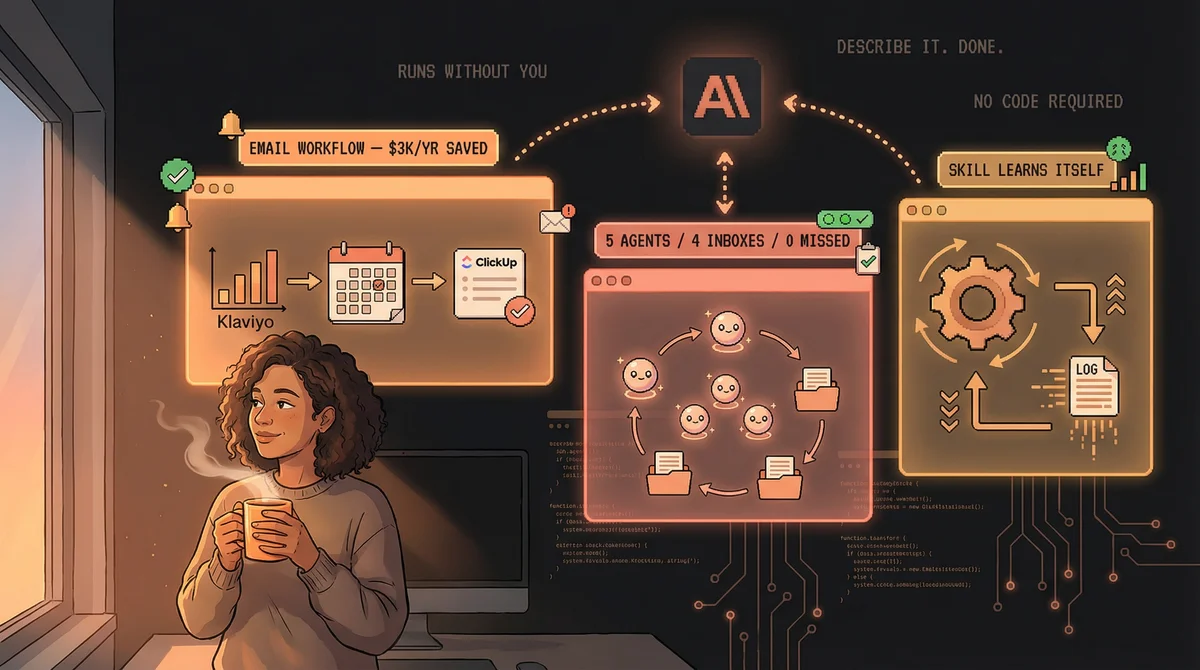
Most people use AI the slow way — type a question, read the answer, type again. What these three built is different: a pipeline where a single event sets a chain in motion and the output arrives complete, without you touching anything in between.
The Meeting That Takes Notes for Itself
@ReadStacked had the problem every knowledge worker has: meetings generate insights that nobody captures. The notes people actually take are, as he puts it, “notes I’ll never read.”
His solution is a five-tool sequence. A Plaud recorder captures the meeting. When it stops, Zapier detects the new file and fires the workflow. n8n processes the audio (transcription and formatting). Claude receives the transcript and extracts action items. Notion stores the structured output.
Meeting ends. Action items appear. He never touches it. “Now I just show up and actually think during meetings instead of scribbling notes.”
The output isn’t just a transcript — it’s organized, actionable, and consistent across every meeting. No human note-taker delivers that reliability.
The Video Ad Without a Creator
Usman Qamar (@thesuqb) needed UGC-style video ads but didn’t want the overhead of hiring creators — scheduling, revisions, usage rights. His pipeline generates them synthetically in four steps.
Step one: describe a persona in Claude (age, style, energy, background — be specific). Step two: feed that description into Nano Banana 2, which generates a photorealistic model image. This is your creator, built from scratch. Step three: paste the image back into Claude and ask for three things — a JSON prompt for Kling 2.6, a text version of the same prompt, and image reference guidelines for maximum realism. Step four: run the prompts in Kling 2.6 via the Kie API.
What comes out looks phone-filmed: natural lighting, natural movement. The image reference guidelines are the secret, Usman says — “that’s why their AI videos look like AI videos. Claude structures them in a way Kling actually uses properly.”
One brief. Four tools. No casting, no scheduling, no revision rounds.
The Ad Account That Rebuilt Itself
Timothy Lewis (@tolewis) gave a custom AI agent named Katya a single directive: rebuild this neglected Meta ad account. She had 48 hours.
Katya audited 118 old campaigns with $131K in lifetime spend — archiving what was worth keeping, flagging the rest for deletion, and reviving the two best-performing historical copy variants. Then she generated 30 static and 10 video ads using StrikeFrame, a custom image renderer Timothy built that composites product photos, SVG overlays, and ad copy from a JSON config. A chunked upload pipeline handled 200MB video files. Everything hit Meta via the Marketing API automatically.
Before: 45 scattered ads. After: 97 thesis-driven ads across 7 clean campaigns. Zero agencies, zero Canva, zero freelancers.
“This is what AI agents actually look like when you point them at real business problems.”
The Pattern
All three pipelines share one thing: a single trigger replaces a multi-person workflow. A meeting ends. A persona brief is written. A strategy doc is submitted. The pipeline takes it from there.
The difference between chatting with AI and building a pipeline is the difference between asking someone to help you cook dinner and running a kitchen that operates without you.
The tools already exist. The only design decision is what hands what to whom — and where you stop being the one who has to be there.