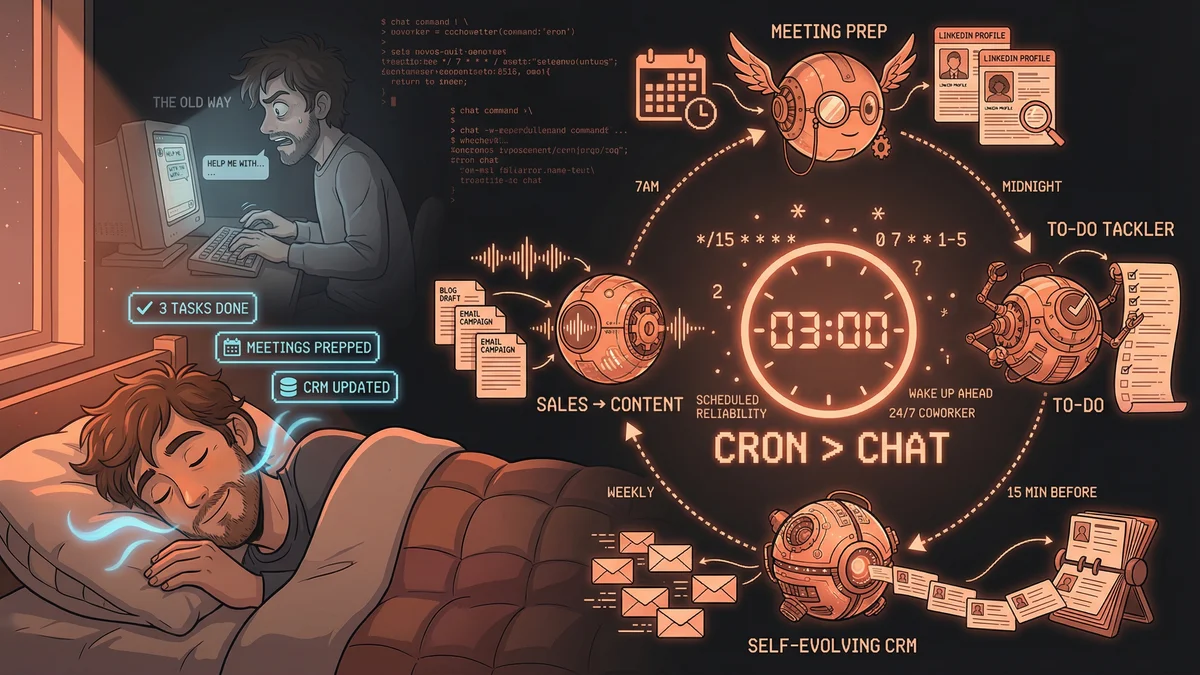
You wake up at 7am. Your to-do list is shorter than when you went to bed. Three research tasks are done. Meeting prep for your 9am is sitting in your inbox with LinkedIn backgrounds on every attendee. Your CRM updated itself based on yesterday’s emails.
This isn’t science fiction. It’s what happens when you stop treating AI like a chatbot and start treating it like a cron job.
The Shift
Most people use AI reactively: open ChatGPT, type a question, get an answer. The limitation isn’t the AI — it’s the human. You have to remember to prompt. You have to interrupt your flow. You’re still doing the work of initiating every single interaction.
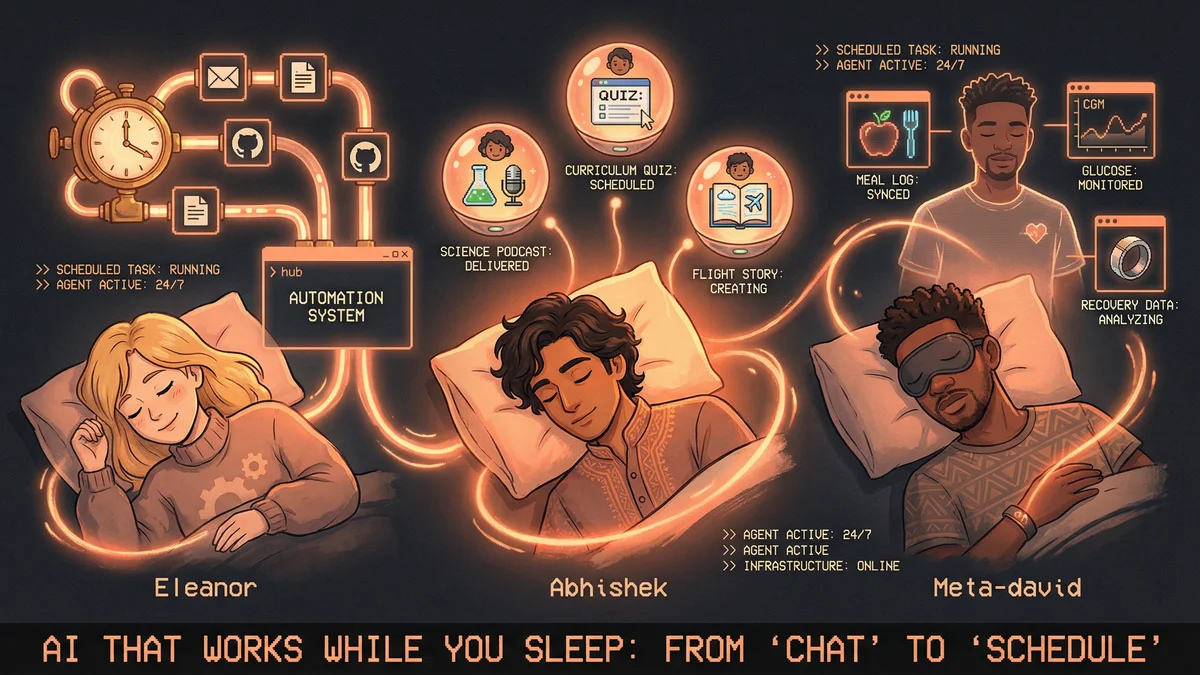
Four builders discovered something better: scheduled automation. AI that works on timers (7am, midnight, every Friday) instead of waiting for prompts. The shift from “assistant on demand” to “coworker on a schedule.”
Here’s what they built.
1. The Overnight To-Do Tackler
Who: Alex Finn (demonstrated in YouTube walkthrough) What: AI scans your to-do list while you sleep How: Cron job triggers at midnight, reads task list (Things 3, Notion, etc.), picks 1-3 tasks it can complete autonomously (research, writing, optionally coding), completes them, hands you a summary doc by morning
Result: You wake up with real work already done.
This is the dream state. Not “AI helped me think faster” but “AI did the thinking while I was unconscious.” The tasks that would’ve taken you 45 minutes each over morning coffee are finished before your alarm goes off.
2. Meeting Prep on Autopilot
Who: Community example via Alex Finn’s OpenClaw tutorials What: AI prepares for every meeting 15 minutes before it starts How:
- Opens Google Calendar
- Finds next meeting
- Researches attendees on LinkedIn
- Pulls prior context from agent memory
- Builds prep document
- Sends ping 15 minutes before meeting time
Result: You never show up cold. You never forget a call.
The economic math: if you have 4 meetings a day and spend 10 minutes prepping for each, that’s 40 minutes. The AI does it in 2 minutes per meeting while you’re finishing other work. You reclaim 32 minutes daily. That’s 2.5 hours per week of focus time.
3. Sales Call → Content Machine
Who: Camilo Silva (via community aggregation by @JiaLi2012) What: Every sales call becomes 3 LinkedIn posts automatically How:
- Record sales call
- Agent transcribes
- Extracts pain points mentioned by prospect
- Drafts 3 LinkedIn posts solving those exact pains
- Delivers content roadmap based on what customers actually say
Result: Content pipeline fed by real customer problems, not guessing.
The practitioner insight here: “My content strategy is whatever my customers told me this week.” No more staring at blank screens wondering what to post. The AI listens to your sales calls and writes the posts your audience needs to see.
4. The Self-Evolving CRM
Who: Matthew Berman (community example) What: CRM that updates itself by reading your emails How:
- Agent scans email automatically (daily cron)
- Asks: “Who did I meet? What do they care about? When should I follow up?”
- Updates markdown contact file
- No manual entry required
Result: “A CRM that works because you don’t touch it.”
This flips the script on relationship management. Traditional CRM fails because you have to remember to update it after every interaction. This one works in the background. By the time you think “I should log that,” it’s already logged.
The Pattern
All four share the same architecture:
Schedule over prompt. 7am, midnight, every Friday — the AI runs on a timer, not on your memory.
Reliability over intelligence. It’s not about being smarter. It’s about being infinitely consistent. Humans forget. Cron jobs don’t.
Background over foreground. The work happens while you sleep, exercise, focus on something else. You interact with completed outputs, not the process.
One builder put it this way: “I stopped treating AI like a chatbot. I started treating it like payroll.”
The shift from “chat” to “cron” is the moment you go from playing with AI to leveraging it.