TL;DR
- Writer eliminated daily AI setup by storing preferences and research in a CLAUDE.md file
- Created /today command that pulls editorial calendar, research notes, and pending edits in 30 seconds
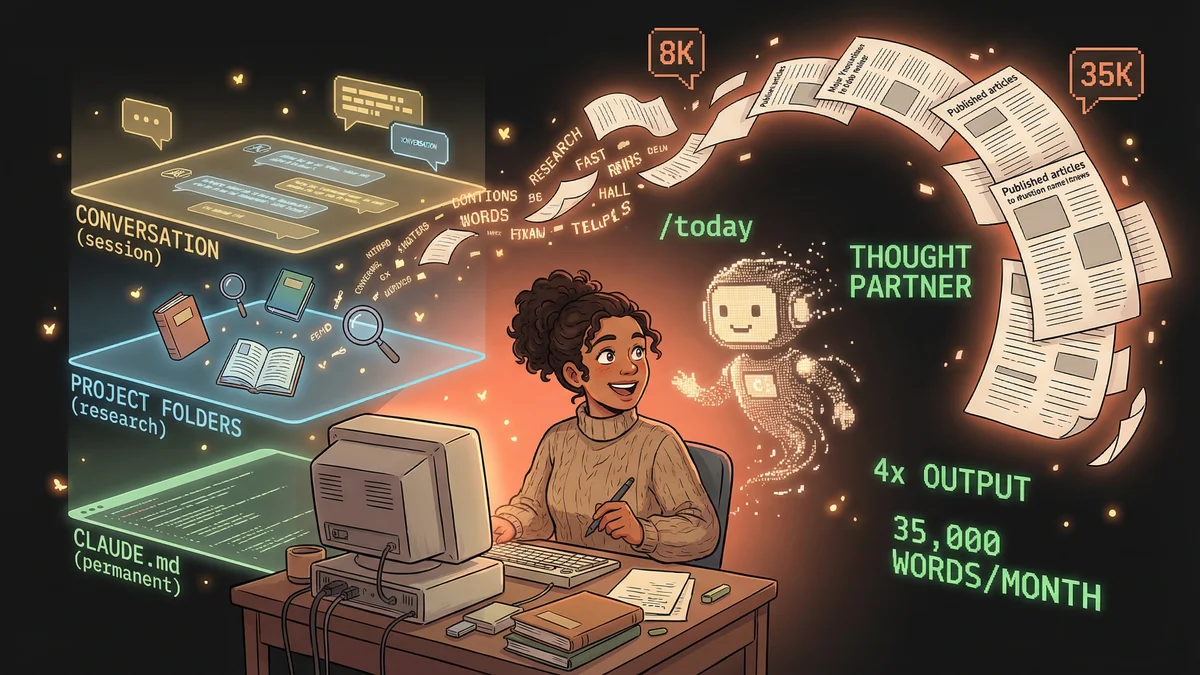
- Writing time allocation improved from 70% actual writing to 95% actual writing
- Best for: Newsletter writers, content creators, researchers with ongoing projects
- Key lesson: Local file access beats cloud AI for daily creative work - it’s an “apartment” vs “hotel room”
A newsletter writer transformed her AI workflow from “hotel room” (fresh start every session) to “apartment” (persistent memory) by using Claude Code with local files and a CLAUDE.md configuration.
Teresa had the same frustration every Monday.
She’d open her writing tool. Start a new document. Try to remember what she’d been working on. Where her research lived. What her editorial calendar said.
“It was like checking into a hotel room every time I sat down to write. Clean slate, fresh towels, but no memory of me. I had to re-explain everything.”
Teresa was a product coach with a popular newsletter. She wrote weekly about product discovery, continuous improvement, customer research. The writing itself wasn’t the problem. The setup was.
The Hotel Room Problem
Cloud-based AI tools worked like hotel rooms.
Each conversation started fresh. Context from yesterday? Gone. Files she’d referenced? Had to upload again. Her writing style preferences? Needed re-explaining every session.
“I’d paste the same instructions at the start of every chat. ‘Here’s my voice.’ ‘Here’s my audience.’ ‘Here are my past articles.’ The productive work started after ten minutes of setup.”
For occasional tasks, this worked fine. For daily writing — her livelihood — the friction accumulated.
The Apartment Discovery
Teresa heard about Claude Code from developer friends. They used it for programming. But someone mentioned it could work with any files, not just code.
“I thought: what if my writing folder was the ‘code’ folder? What if Claude could read my drafts, my research, my notes — without me uploading anything?”
She tried it. Pointed Claude Code at her writing directory. Asked it to read her last five articles.
Claude did. It understood her style. Her topics. Her audience. Without her explaining anything.
“That was the moment. It wasn’t a hotel room anymore. It was an apartment. My apartment. With my stuff already there.”
The Memory Layer
The first thing Teresa built was memory.
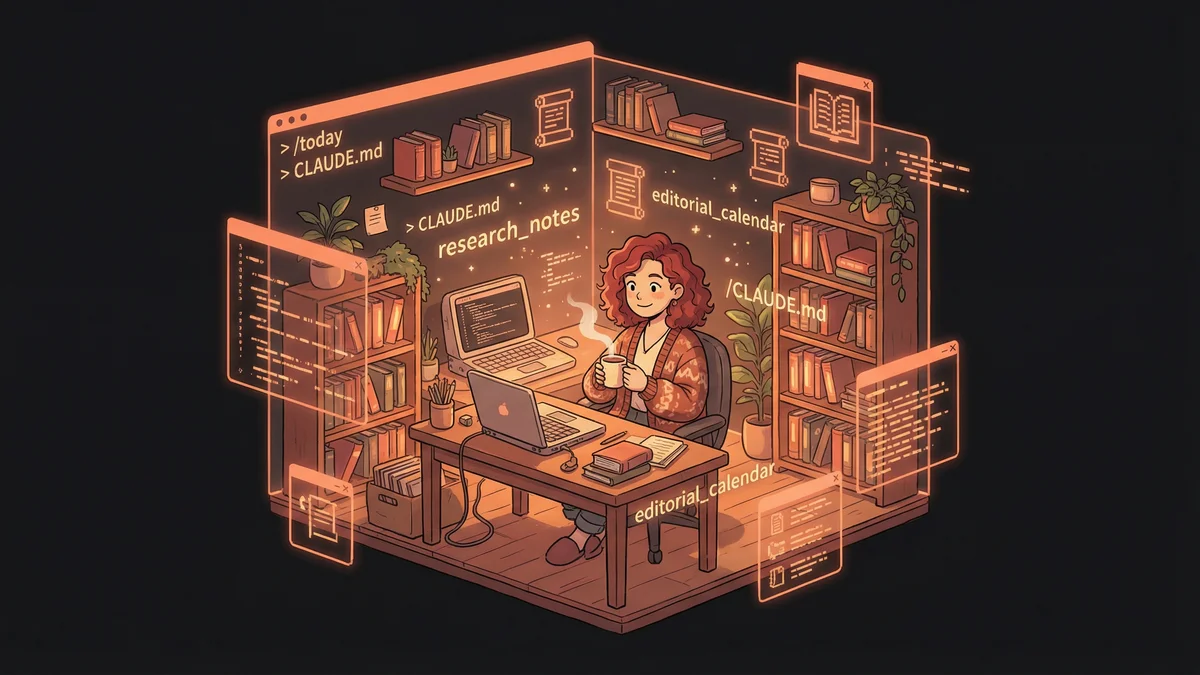
She created a file called CLAUDE.md in her writing folder. It contained everything Claude needed to know about her:
- Her writing voice (direct, practical, example-heavy)
- Her audience (product managers, researchers, founders)
- Her editorial process (outline → draft → feedback → revision)
- Her pet peeves (jargon, vague advice, content without actionable steps)
- Links to her best articles as style references
“Every time I opened Claude Code in that folder, it already knew me. No setup. No preamble. Just: ‘What are we working on today?’”
The memory persisted across sessions. Additions accumulated. Her AI writing partner got smarter over time instead of resetting.
The /today Command
Teresa’s breakthrough was a custom command.
She configured Claude Code so that typing /today would trigger a specific workflow:
- Check her editorial calendar
- Identify today’s writing task
- Summarize relevant research notes
- Generate an initial outline based on her style
- List any pending edits from previous drafts
“One command. Everything I needed to start writing, presented in thirty seconds.”
Before, her mornings started with friction: finding files, remembering context, re-reading old work. Now they started with clarity: here’s what you’re doing, here’s what you need.
The Research Integration
Writing required research. Teresa read academic papers, collected customer interview snippets, bookmarked industry articles.
Previously, this research lived in scattered places. Some in Notion. Some in email. Some in browser tabs that eventually got closed.
Now she dumped everything into her writing folder. Raw files. PDFs. Transcripts. Claude Code could read them all.
“I’d ask: ‘Based on my research folder, what evidence do I have for this claim?’ Claude would scan dozens of documents and pull relevant quotes with citations.”
The research became findable. Searchable. Synthesizable. Not because Teresa organized it perfectly, but because Claude could handle the mess.
The Feedback Loop
Teresa’s process involved iteration. Write a section. Get feedback. Revise. Repeat.
She trained Claude to give her specific types of feedback:
- “Is this too abstract? Where do I need more concrete examples?”
- “Does this section serve my reader or just show off what I know?”
- “What questions would my audience have after reading this?”
“The feedback was tough. Claude didn’t just say ‘looks good.’ It pointed out weak arguments, missing evidence, confusing transitions.”
She’d revise based on feedback, then ask for another round. The drafts improved measurably. Her editing time dropped because first drafts arrived closer to finished.
The Citation System
Academic credibility mattered to Teresa’s audience. Claims needed sources.
She built a workflow: when making a claim, Claude would search her research folder for supporting evidence and format it as a proper citation.
“I’d write ‘research shows teams that do X perform better’ and Claude would find the specific study, the author names, the publication year, and add a proper footnote.”
The citations were accurate because Claude read the actual source documents. Not summaries. Not abstracts. The full papers sitting in her folder.
The Team Extension
Teresa’s operation grew. She brought on editors and researchers.
She created shared CLAUDE.md files with team context:
- Who’s working on what
- Editorial guidelines everyone follows
- Review processes and approval workflows
- Common prompts the team uses
“New team members could point Claude at the shared folder and instantly understand how we work. The knowledge transfer happened through files, not meetings.”
The institutional knowledge that usually lived in people’s heads became documented and accessible.
The Unexpected Output
The biggest change wasn’t efficiency. It was quality.
“My writing got better. Not because Claude wrote for me — I wrote every word. But because the feedback was immediate, the research was accessible, and the friction was gone.”
Without setup overhead, Teresa spent more time on actual craft. Word choice. Argument structure. Reader empathy. The stuff that made writing good.
“I used to spend 30% of my writing time on logistics and 70% on actual writing. Now it’s 5% logistics, 95% writing.”
The Metaphor That Stuck
Teresa started teaching other writers her approach. She used one image that resonated:
“Cloud AI is like a hotel room. Nice, clean, but you’re a guest. Claude Code is like your own apartment. Your books are on the shelves. Your notes are on the desk. Your preferences are built into how the space works.”
The apartment metaphor explained what made the tool different: persistence, personalization, and presence.
The Daily Reality
A year into the new workflow, Teresa’s writing practice was transformed.
Monday: /today → immediate clarity on the week’s tasks
Tuesday: Draft with inline research assistance
Wednesday: Feedback rounds with targeted revision
Thursday: Final polish with citation verification
Friday: Publishing and audience response tracking
“I write more, stress less, and produce better work. Not because AI writes for me. Because AI handles everything except the writing.”
The Advice
For writers considering the switch:
“Start with your CLAUDE.md file. Write down everything you wish AI already knew about you. Put it in your writing folder. Then just start working.”
The setup took an afternoon. The payoff was permanent. Every future session started with context instead of explanation.
“You don’t need to be technical. You need to be willing to try something that sounds technical but isn’t. The terminal is just a different kind of text box.”