TL;DR
- Users discovered Claude Code works for photo organization, plant monitoring, smart home control, and more
- Local file access and computer control enable workflows cloud chatbots cannot touch
- Non-technical users found creative applications because they had no assumptions about what the tool was “for”
- Best for: anyone with tasks involving local files, connected systems, or analysis over time
- Key lesson: Tools built for one purpose often serve others; experiment with unexpected use cases
A developer tool meant for coding turned into a wedding photo organizer, plant growth monitor, and smart oven controller when non-programmers started experimenting.
Boris helped create Claude Code. He knew what it was supposed to do.
Then users showed him what it could actually do.
“Since we launched Claude Code, we saw people using it for all sorts of non-coding work. Vacation research. Building slide decks. Cleaning up email. Cancelling subscriptions.”
That was just the beginning.
“Recovering wedding photos from a hard drive. Monitoring plant growth. Controlling an oven.”
The tool built for developers had escaped into the wild. And the wild was weird.
The Wedding Photo Story
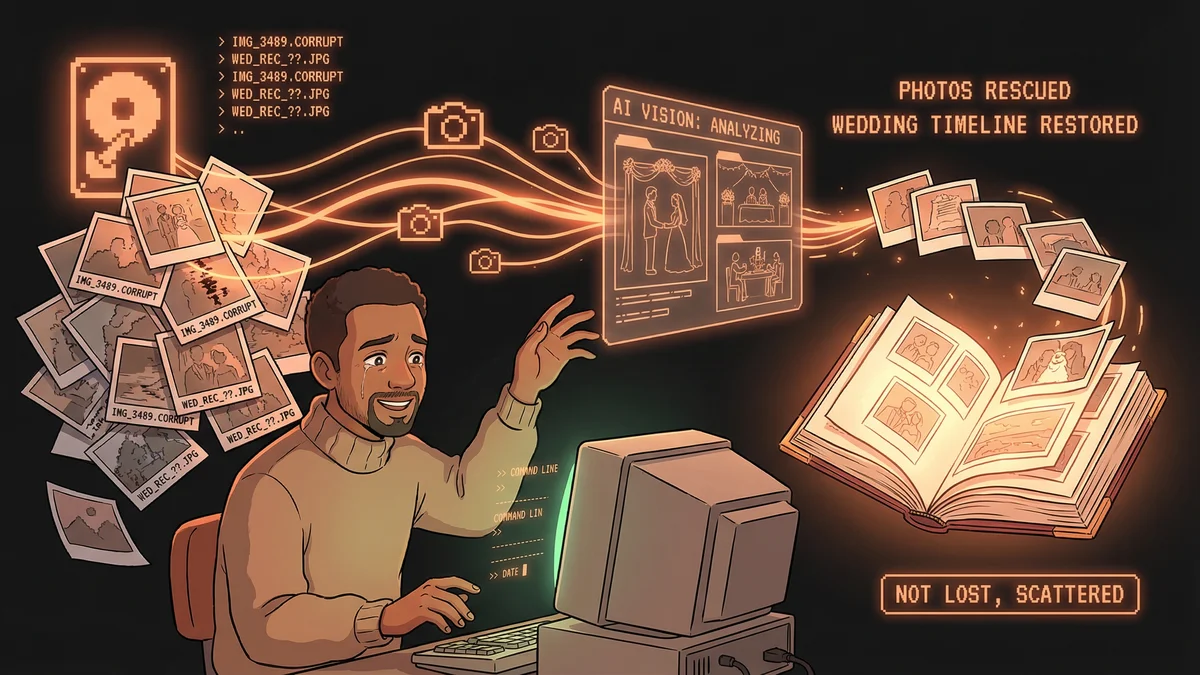
A user had a hard drive full of wedding photos. Organized once, years ago. Now the organization had decayed — folders renamed, files moved, metadata corrupted.
“They asked Claude Code to scan the drive, identify photos by date and content, and reconstruct the original timeline.”
Claude read the images. Analyzed what was in each photo — ceremony versus reception, formal versus candid, bride’s family versus groom’s family. Rebuilt the organization based on understanding, not just filenames.
“The wedding photos weren’t lost. They were scattered. Claude re-gathered them.”
The task would have taken a human hours of painful sorting. Claude did it by actually looking at what was in each photo.
The Plant Monitor
Another user had houseplants. Too many houseplants. They wanted to track growth over time.
“They set up a camera to photograph their plants daily. Then asked Claude to analyze the images and report on growth patterns.”
Claude measured visible changes. Tracked leaf count. Noted color shifts. Generated weekly growth reports.
“Claude became their plant diary. Not just photos — analysis. ‘This fern is growing 12% faster than last month. This succulent might be overwatered based on leaf color.’”
The user wasn’t a botanist. Claude wasn’t trained as a botanist. But image analysis plus general knowledge produced useful plant insights.
The Oven Controller
This one raised eyebrows internally.
“Someone connected Claude Code to their smart oven. Asked Claude to adjust cooking temperatures based on what they were making.”
The workflow: user describes what they’re cooking, Claude determines optimal temperature and timing, Claude sends commands to the smart oven.
“It sounds crazy. But the user was serious. They wanted a cooking assistant that could actually control their cooking equipment.”
The integration worked through API connections — the same infrastructure Claude Code used for software development, repurposed for kitchen appliances.
The Pattern Recognition
These weren’t isolated anomalies. Boris started collecting examples:
-
Vacation planning: User gives Claude their preferences, budget, and dates. Claude researches destinations, compares options, generates detailed itineraries with links and reservations.
-
Email triage: User points Claude at their inbox. Claude categorizes messages by urgency and topic. Drafts responses for routine communications.
-
Subscription audit: User provides their bank statements. Claude identifies recurring charges, finds forgotten subscriptions, suggests what to cancel.
-
Slide deck creation: User gives Claude raw content and a message. Claude produces presentation slides with structure, design suggestions, and speaker notes.
“The common thread: Claude Code plus local file access plus computer control enables workflows that chatbots can’t touch.”
The Capability Gap
Regular AI chatbots live in a sandbox. You can talk to them, but they can’t touch your stuff.
“Cloud-based Claude can discuss your photos. Claude Code can organize your photos. That’s the difference.”
The wedding photo user couldn’t upload a hard drive to a web interface. The plant user couldn’t get real-time image analysis from a chat window. The oven user definitely couldn’t control hardware through a cloud service.
“Local execution unlocks categories of tasks that cloud AI can’t address.”
The Discovery Process
How did users find these unexpected applications?
“They had problems. They had Claude Code. They asked: ‘Can this help?’ Sometimes the answer was yes in surprising ways.”
Nobody at Anthropic designed Claude Code for plant monitoring or oven control. Users discovered those applications by experimenting.
“The tool was more general than we realized. Users found the generality before we did.”
The Integration Story
Many unusual applications came from integrations.
Smart home systems. Calendar applications. File sync services. Database tools.
“Claude Code was designed to work with development tools. Users discovered it worked with anything that had an API or accessible files.”
The oven wasn’t special hardware. It was a standard smart oven with a standard API. Claude Code could hit any API. Therefore, Claude Code could control the oven.
“We built for code editing. Users discovered they’d been given a universal integration platform.”
The Safety Considerations
Oven control raised safety discussions.
“An AI controlling cooking equipment sounds risky. What if it sets the oven too hot? What if it doesn’t turn off?”
Users implemented safeguards. Maximum temperature limits. Automatic shutoffs. Human confirmation for high-stakes changes.
“The risk profile was similar to any smart home automation. The AI added intelligence, not danger.”
But the example highlighted that Claude Code’s capabilities required responsibility. Power tools need careful handling.
The Workflow Patterns
Boris categorized the unexpected applications:
File transformation: Wedding photos, document organization, media management. Taking existing files and restructuring them.
Time-series analysis: Plant monitoring, health tracking, financial trends. Analyzing data collected over time.
External system control: Oven, smart home, calendar. Sending commands to systems outside the computer.
Research synthesis: Vacation planning, product comparison, competitive analysis. Gathering and organizing information from multiple sources.
“Each category was technically simple but practically new. Nobody had combined these capabilities in these ways before.”
The Non-Technical Users
The most unexpected part: many unusual applications came from non-technical users.
“Developers used Claude Code for coding. Non-developers found other uses because coding wasn’t an option.”
The wedding photo user wasn’t a developer. The plant person wasn’t a developer. They approached Claude Code without assumptions about what it was “for.”
“Beginners’ minds found uses experts didn’t imagine. They weren’t constrained by intended purposes.”
The Product Lesson
For Boris, the unusual applications taught something important.
“You build a product. You know what it does. Users discover what it can do. Those aren’t the same thing.”
Claude Code’s capabilities were broader than its positioning. The name suggested coding. The tool enabled much more.
“We built for developers because that was our use case. The tool we built happened to serve many others.”
The Cowork Connection
These unusual applications influenced Anthropic’s later product decisions.
“We saw non-technical users forcing Claude Code to do non-technical work. That suggested a product opportunity.”
The eventual launch of Cowork — Claude Code capabilities in a friendlier interface — came partly from observing how non-developers used Claude Code.
“Users showed us the demand. We built the interface to match.”
The Current Landscape
The unusual applications keep coming.
“Every month, we see new examples. Uses we didn’t anticipate. Problems we didn’t know Claude could solve.”
The wedding photos weren’t the strangest. The oven wasn’t the limit. Users continued pushing boundaries.
“The creative applications come from user experimentation, not our imagination. We provide capabilities. Users find applications.”
The Invitation
Boris shared these stories to encourage experimentation.
“If you have a task involving files, data, or connected systems — try Claude Code. The result might surprise you.”
The wedding photos, plants, and ovens weren’t obvious applications. Users discovered them by trying.
“The unusual applications are the honest applications. People with real problems, finding real solutions. That’s what technology is supposed to do.”