TL;DR
- Cleaned 3,847 messy Obsidian notes in 2 hours (vs. estimated 76 Saturdays manually)
- Four-pass cleanup: frontmatter standardization, tag consolidation, link suggestion, duplicate detection
- Discovery: hundreds of note connections that turned orphan notes into a searchable knowledge web
- Best for: Obsidian, Roam, or any markdown-based note system drowning in accumulated chaos
- Key lesson: AI excels at consistent rule application across large datasets - define rules once, apply everywhere
A note-taker transformed 4 years of chaotic Obsidian notes into a functional “second brain” in one afternoon using Claude Code for bulk cleanup that would have taken 76 manual sessions.
James had 3,847 notes in his Obsidian vault.
He knew this because he counted. Twice. Hoping the number would shrink through sheer willpower.
It didn’t.
“I’d been taking notes for four years. Meetings. Books. Random thoughts. Article snippets. Every note went into the vault. None of them connected to anything.”
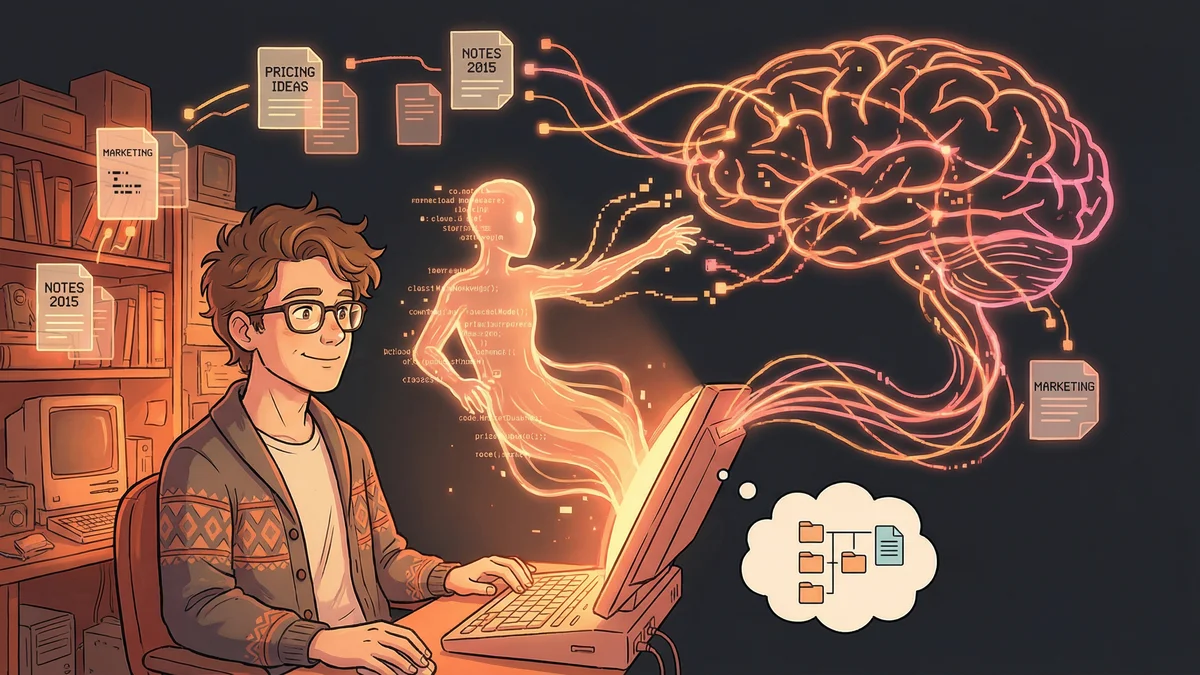
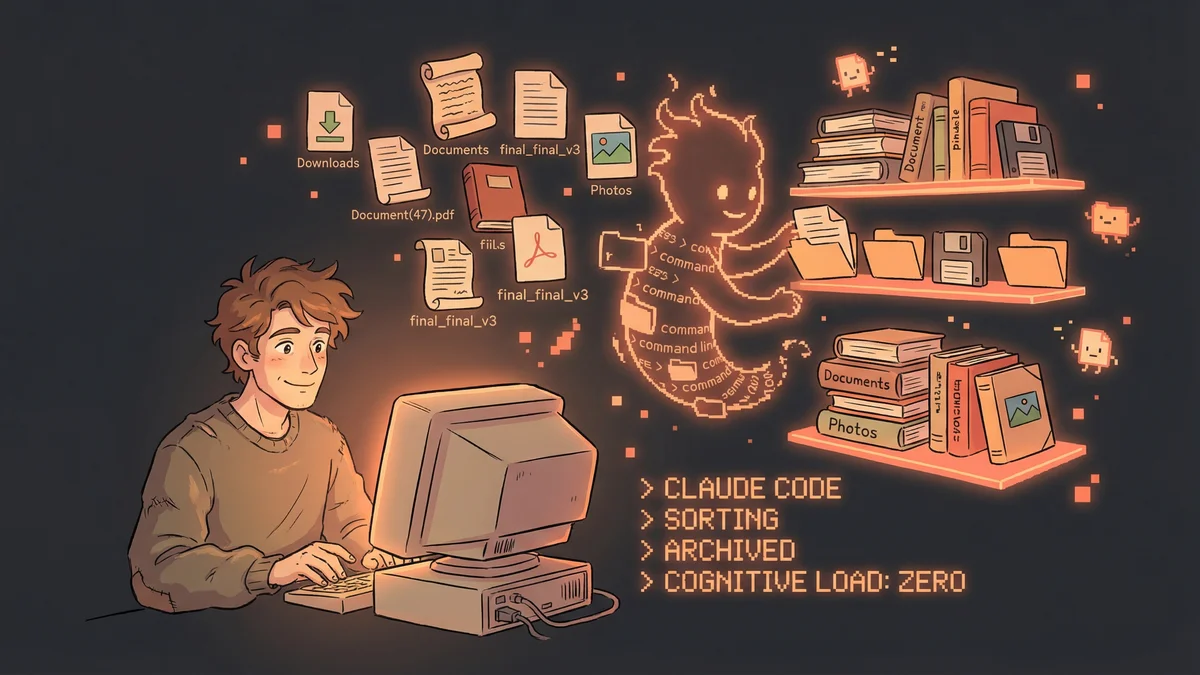
Obsidian promised a “second brain.” James had built more of a second junk drawer.
The Metadata Disaster
Obsidian works best when notes have structure: tags, links, frontmatter, consistent naming.
James had… inconsistency.
Some notes had tags. Others didn’t. Tag names varied: #productivity, #Productivity, #prod, #productive. The same concept, four different labels.
Some notes had frontmatter (YAML metadata at the top). Others were plain text. The frontmatter that existed used different field names: “created” vs “date” vs “created_date.”
Some notes linked to others. Most were orphans — connected to nothing.
“I knew the knowledge was in there. I’d written it. But finding it meant scrolling through thousands of notes hoping to recognize what I needed.”
The Manual Cleanup Attempts
James tried fixing the mess manually.
He’d set aside Saturday mornings. “Vault cleanup day.” Open notes. Add tags. Fix frontmatter. Create links.
After three hours, he’d have processed maybe 50 notes. That’s 76 Saturdays to get through everything.
“I’d burn out after four or five sessions. The progress was invisible. I’d clean up 200 notes and still have 3,600 messy ones.”
The vault was too big for human maintenance. The cleanup task regenerated faster than he could work through it.
The Claude Experiment
James heard about Claude Code being used for file management. He wondered if it applied to notes.
“My vault is just markdown files in folders. Claude can read files. Maybe it could read notes?”
He started with a test. Pointed Claude Code at a small folder — just 50 notes — and asked: “Analyze these notes. Tell me what’s wrong with their structure.”
Claude reported back: inconsistent tag formatting, missing frontmatter, no internal links, duplicate content across files.
“Everything I knew was wrong, confirmed. Now the question: could Claude fix it?”
The Bulk Edit Capability
James started small.
“Look at these 50 notes. For each one missing frontmatter, add frontmatter with ‘title’ from the filename and ‘created’ from the file creation date. Don’t change any content.”
Claude processed the batch. Each file got proper frontmatter. The structure standardized.
Then tags: “Find all tag variations that mean the same thing. Consolidate to a single lowercase format: #productivity not #Productivity or #prod.”
Claude scanned all 50 notes, found the inconsistencies, made the replacements.
“Fifty notes cleaned up in fifteen minutes. Versus three hours manually.”
The Full Vault Migration
Emboldened, James ran the cleanup on his entire vault.
He backed everything up first — essential before letting an AI modify thousands of files.
Then batched the work:
- Frontmatter standardization — Add consistent metadata to all notes
- Tag consolidation — Merge tag variations into canonical forms
- Link suggestion — Identify notes that should connect but don’t
- Duplicate detection — Find notes with overlapping content
Each batch took Claude ten to fifteen minutes. The entire vault transformation: about two hours of processing.
“Four years of accumulated mess, cleaned up in an afternoon. I’d tried to do this manually for months.”
The Link Discovery
The linking pass was the most valuable.
“I asked Claude to find notes that should reference each other based on content overlap. Notes about the same people, projects, concepts.”
Claude identified hundreds of potential links. James reviewed and approved the connections. His orphan notes started forming a network.
“Suddenly my vault worked like it was supposed to. I could start from one note and follow connections to related ideas. It became a web instead of a pile.”
He discovered notes he’d forgotten writing. A thought from 2021 connected to a meeting note from 2023. Patterns emerged that only existed in linked form.
The Ongoing Maintenance
After the initial cleanup, James established a rhythm.
Weekly: Run Claude on new notes, ensuring they meet standards Monthly: Scan for new orphans and suggest links Quarterly: Deep audit for tag drift and structural decay
“The vault stays clean now because maintenance is easy. Five minutes a week instead of hours I never actually spent.”
He created a CLAUDE.md file defining his vault standards. Claude referenced it automatically when processing notes.
The Search Transformation
Clean metadata changed how James used his notes.
Before: search by keyword, hope results are relevant, scroll through matches After: search by tag + date range + note type, get precise results
“I can ask ‘show me all book notes from 2023 tagged #management’ and get exactly those. Before, that search was impossible.”
The frontmatter enabled views and filters that raw text couldn’t support. The tags enabled topic exploration. The links enabled discovery.
The Knowledge Synthesis
With structure in place, James could ask Claude higher-level questions.
“Based on my notes about leadership, what themes have I explored?”
Claude could read the tagged notes, find patterns, synthesize a summary.
“What did I think about Project X over time?”
Claude could trace notes chronologically, showing how his thinking evolved.
“The vault became queryable. Instead of just storing information, it could answer questions.”
The Template System
James took structure further by creating note templates.
Meeting notes got standard frontmatter: date, attendees, project, status. Book notes got: title, author, completed date, rating. Ideas got: status (raw/developed/implemented), related projects.
“New notes came in structured from the start. The entropy stopped accumulating.”
Claude helped enforce templates. When processing new notes, it would flag ones missing expected fields. The system policed itself.
The Warning Signs
Not everything went smoothly.
Claude occasionally misidentified duplicate notes. Content that seemed similar was actually distinct. James had to review before accepting bulk changes.
Tag consolidation sometimes went too far. #marketing and #sales got merged when they should have stayed separate. Context mattered.
“I never ran changes without review. The AI was a suggestion engine, not autonomous authority.”
Backups saved him twice when changes went wrong. He’d restore, refine the instructions, try again.
The Broader Philosophy
James’s vault experience illustrated a principle: AI excels at consistent rule application across large datasets.
“I knew what ‘clean’ looked like. I knew the rules: consistent tags, proper frontmatter, meaningful links. I just couldn’t apply the rules to 4,000 files manually.”
Claude could. The rules didn’t change. The files did.
“My job became defining the rules and reviewing exceptions. Not performing the repetitive work.”
The Current State
Two years after the cleanup, James’s vault was a functional second brain.
New notes integrated smoothly. Old notes stayed connected. Queries returned useful results.
“I actually use my notes now. Before, they were write-only. I’d capture information and never access it. Now I retrieve knowledge daily.”
The 3,847 notes had become assets instead of liabilities. The junk drawer had transformed into a filing system.
The Advice for Others
For fellow Obsidian users drowning in chaos:
“Start with backup. Absolutely mandatory. Then start small — one folder, limited scope. See what Claude does. Build trust before scaling.”
The vault structure is personal. James’s standards wouldn’t work for everyone. But the process — define rules, apply at scale, maintain ongoing — was universal.
“Your vault wants to be messy. Entropy is default. You need a system for counteracting entropy. Claude can be that system.”