TL;DR
- Non-technical ops lead answers technical customer questions without waiting for engineers
- Response time dropped from hours to minutes; engineering interruptions decreased significantly
- Claude Code reads codebase and translates technical concepts into plain English
- Best for: ops, support, marketing, sales — anyone who needs to understand code without writing it
- Key insight: about 70% of technical questions can be answered from codebase alone
A non-technical operations lead eliminated the hours-long wait for developer answers by using Claude Code to read and understand the company codebase herself.
Anushki had a question about the product. Again.
A customer had asked something technical. Something about how the system worked. Something she couldn’t answer from documentation.
“I could ask an engineer. But they were in sprint. They had deadlines. My question would wait in the queue. The customer would wait. I would wait.”
Anushki was the operations lead. She handled customer communication, support processes, internal coordination. None of it required coding. All of it required understanding technical systems.
The Dependency Loop
Every technical question meant bothering a developer.
“How does feature X work?” — ping an engineer. “Why is user Y seeing this error?” — ping an engineer. “What’s the limitation on Z?” — ping an engineer.
“I felt like I was constantly interrupting people who had real work to do. And they felt constantly interrupted.”
The answers often took hours. Sometimes days. Context got lost. Customers waited. Frustration accumulated on both sides.
The Codebase Idea
Anushki overheard developers talking about Claude Code. They used it to navigate and understand code.
“I don’t write code. But I wondered: could Claude help me understand code? Not write it — just read it and explain what it does?”
She asked a developer friend to help her download the company’s codebase. Just read-only. Just to explore.
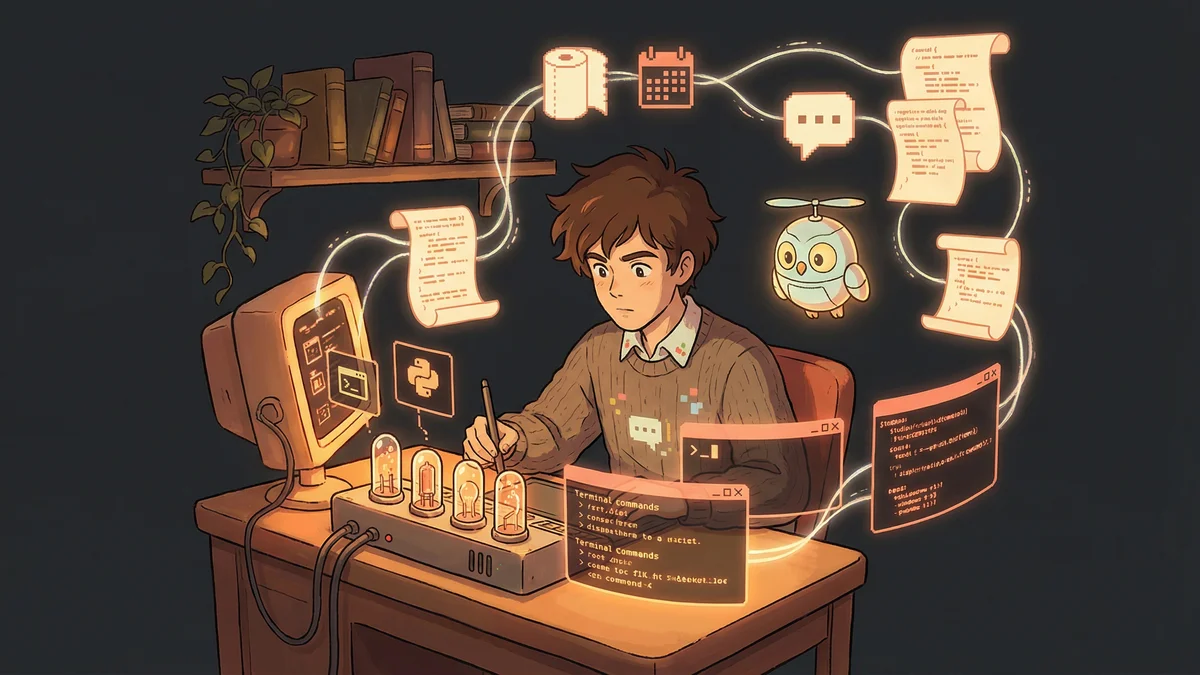
“I pointed Claude Code at the downloaded folder and asked: ‘What does this codebase do? Explain it to a non-technical person.’”
The First Translation
Claude read the code. Then explained it in plain English.
The authentication system. The data processing pipeline. The user interface components. Technical architecture translated into concepts Anushki could understand.
“It was like having a developer sit next to me and explain things patiently. Except the developer was always available and never frustrated by basic questions.”
She started asking follow-up questions. “What happens when a user clicks this button?” Claude traced the code path and explained the sequence.
The Support Superpower
Customer questions became answerable.
“A customer asked why their data wasn’t syncing. I asked Claude to explain how the sync process worked and what could interrupt it.”
Claude read the relevant code. Found the sync logic. Identified failure conditions. Explained them in terms Anushki could relay to the customer.
“Instead of saying ‘I’ll check with engineering and get back to you,’ I could say ‘Here’s what’s happening and why.’”
Response time dropped from hours to minutes. Customer satisfaction improved. Engineering interruptions decreased.
The Custom Slash Command
Anushki wanted to formalize her workflow.
She created a custom command: /cora-support-email-writer. (Cora was their support persona name.)
The command would:
- Take a customer question
- Search the codebase for relevant context
- Draft a response in the support team’s voice
- Include technical details translated into customer-friendly language
“I’d paste a customer email. Run the command. Get a draft response. Review and send. What used to take thirty minutes took five.”
The Knowledge Documentation
Understanding the codebase revealed documentation gaps.
“I realized customers asked certain questions repeatedly. The answers existed in the code but not in our help docs.”
Anushki used Claude to extract information from the code and draft documentation articles. Technical accuracy from the source, written accessibly for customers.
“Our help center grew from what-we-remembered-to-document to what-the-code-actually-does. Coverage increased. Support volume decreased.”
The Internal Enablement
Other non-technical team members had similar needs.
Marketing wanted to understand product capabilities for messaging. Sales wanted to answer technical questions in calls. Customer success wanted to advise on integrations.
Anushki shared her approach. Created team-wide access to the codebase folder. Built prompt templates for common question types.
“The codebase became accessible to everyone, not just developers. Product knowledge democratized.”
The Edge Case Detection
Sometimes customer issues were actual bugs.
“A customer reported weird behavior. I asked Claude to trace what would happen given their specific inputs.”
Claude walked through the code logic. Found an edge case where certain input combinations produced unexpected results.
“I could file a bug report with specifics: ‘When X and Y conditions both exist, the code does Z, which seems unintended.’ Engineering fixed it quickly because the report was detailed.”
The Relationship Change
Anushki’s relationship with engineering transformed.
“I stopped being the person who interrupts with basic questions. I became the person who brought detailed findings.”
Engineers appreciated bug reports with code references. They appreciated when ops could answer their own questions. They appreciated fewer context-switches.
“We went from a dependency relationship to a collaborative one. I contributed instead of just consuming.”
The Limitation Recognition
Not everything was answerable through codebase reading.
“Some questions required understanding how the production system behaved, not how the code was written. Live data, performance, infrastructure — that still needed engineering.”
Anushki learned to distinguish between “code questions” (answerable through Claude) and “operations questions” (requiring human engineers).
“Maybe 70% of my technical questions could be answered from the codebase. The other 30% still needed people. But 70% was massive.”
The Security Consideration
Access to the codebase raised security discussions.
“We worked with IT to ensure the download was read-only, excluded sensitive files, and lived on a secure machine.”
The trade-off was discussed and approved: broader code access to non-technical staff enabled faster customer support and reduced engineering load. With appropriate precautions, the benefits outweighed risks.
“Security wasn’t ignored. It was considered and addressed.”
The Skill Development
Understanding the codebase changed how Anushki thought.
“I started understanding not just what the product did, but why. The constraints. The trade-offs. The technical debt.”
Product discussions became richer. She could contribute perspectives the ops team hadn’t offered before. Technical awareness grew without technical skills.
“I didn’t become a developer. I became a developer-literate operations professional. Different skill, significant value.”
The Ongoing Practice
Anushki maintained her approach.
Weekly: Pull latest codebase changes Daily: Use Claude for customer questions Monthly: Audit documentation for gaps Quarterly: Share learnings with broader team
“The codebase stays fresh. My understanding stays current. The process keeps delivering value.”
The Advice for Non-Technical Roles
“You don’t need to write code to benefit from understanding code. The codebase is documentation — the most accurate documentation that exists.”
Getting access requires conversation with engineering leadership. The benefits require demonstration. But the investment pays off quickly.
“Start with one question you’d normally ask engineering. Try asking Claude about the codebase instead. See what happens. You might surprise yourself.”