TL;DR
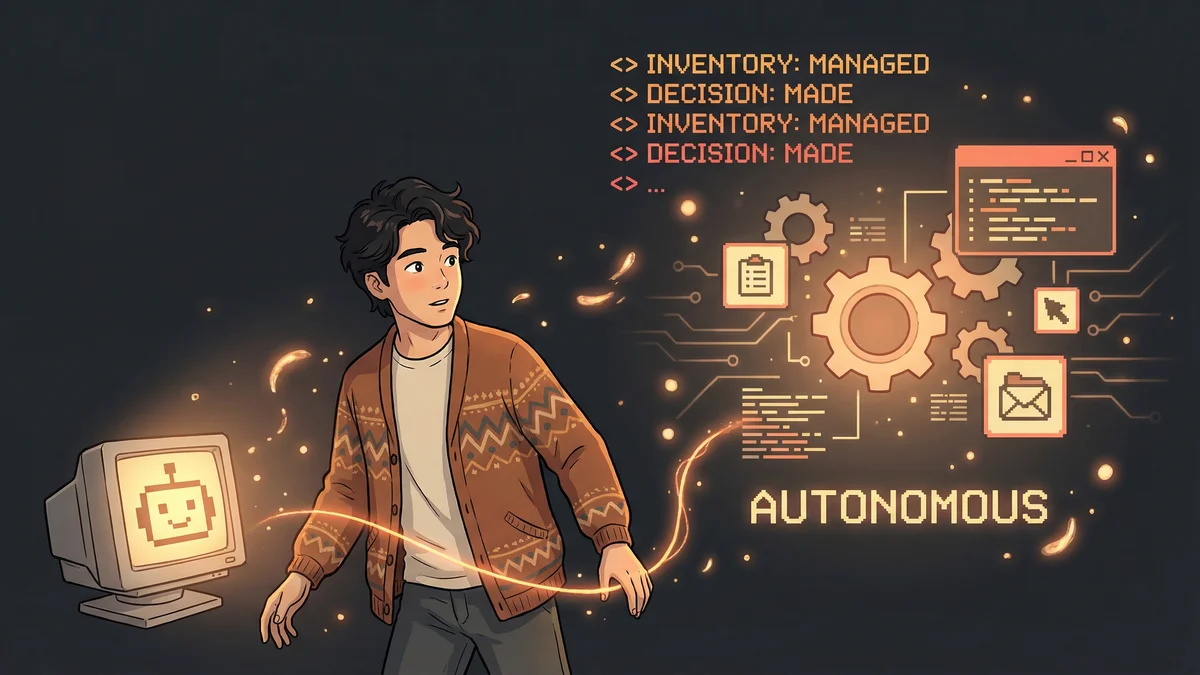
- CTO manages 10 engineers, ships code, and operates at C-level simultaneously with Claude Code as executive assistant
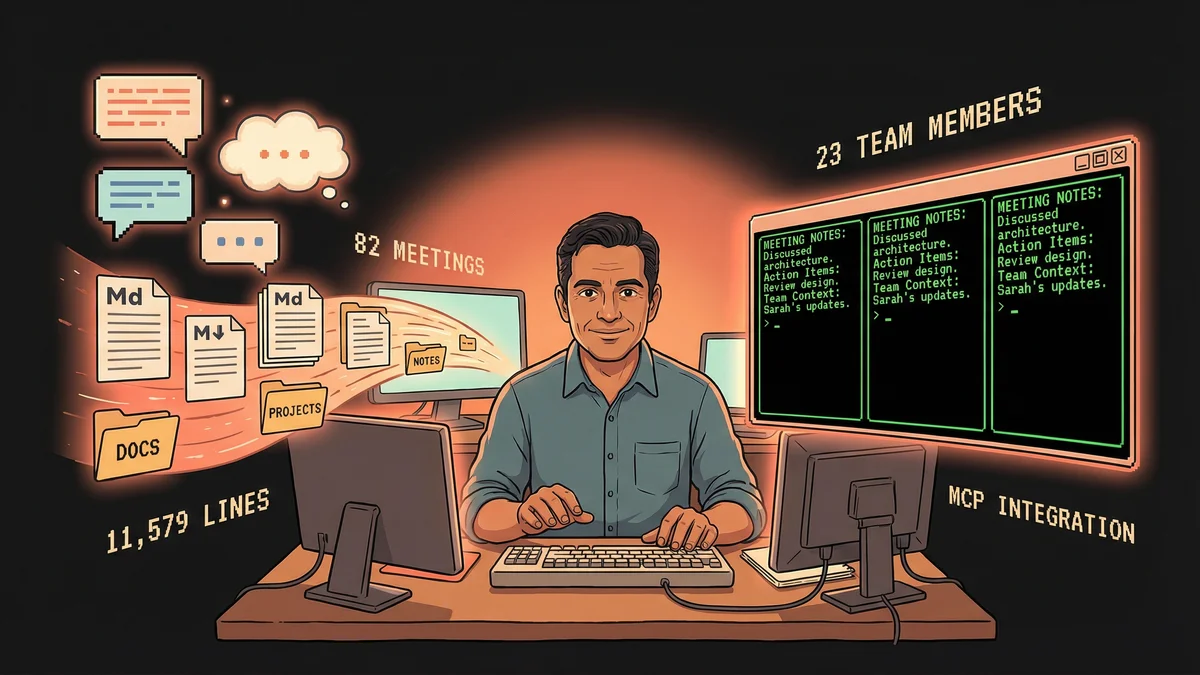
- System processes 82 meeting notes, tracks 35 action items, and maintains context on 23 team members—all in three weeks
- Claude autonomously created the folder structure and organization system from a single prompt
- MCP integration (Rube) enables direct actions: post to Slack, schedule meetings, update Linear without context switching
- Key lesson: Don’t design the system—tell Claude what you need and let it figure out the structure
A CTO asked Claude Code to “build me an executive assistant.” Three weeks later, he has 11,579 lines of institutional knowledge and can prepare for any meeting in 30 seconds.
Obie Fernandez joined ZAR as full-time CTO three weeks ago. Ten engineers to manage. Code to ship. C-level decisions to make. The typical chaos of a technical leadership role at a funded startup.
He opened a fresh directory and typed one prompt: “Create me a markdown-based system where I can regularly run you, Claude Code, that lets me be the best world-class CTO possible. I’m planning to use you as my personal executive assistant and CTO expert. Document everything in a series of folders as you see fit.”
No templates. No folder structure. No system design. Just a request.
What Claude Code Built
Claude created its own organizational system. Folders appeared. Markdown files populated. A structure emerged that Obie never designed and rarely looks at.
He doesn’t need to look at it. That’s the point.
“I have no idea how Claude organized the files,” Obie says. “I mean, I could look. But I don’t need to. That’s the entire point.”
The system handles:
- Meeting notes — 82 processed and filed in three weeks
- Action items — 35 tracking files with owners and status
- Team context — 23 members tracked with 264 lines of detailed notes (background, strengths, career goals, recent conversations)
- Company knowledge — 9 context documents on strategy, architecture, tools, stakeholders
All captured through natural conversation. No forms. No databases. No conscious effort to maintain it.
The Daily Workflow
Obie keeps at least one Claude Code session open at all times. Often three, running parallel workstreams.
Morning sync: He says “good morning.” Claude reads his weekly focus, checks pending action items, fetches his actual calendar via MCP integration, and tells him what needs attention. Thirty seconds. Day mapped out.
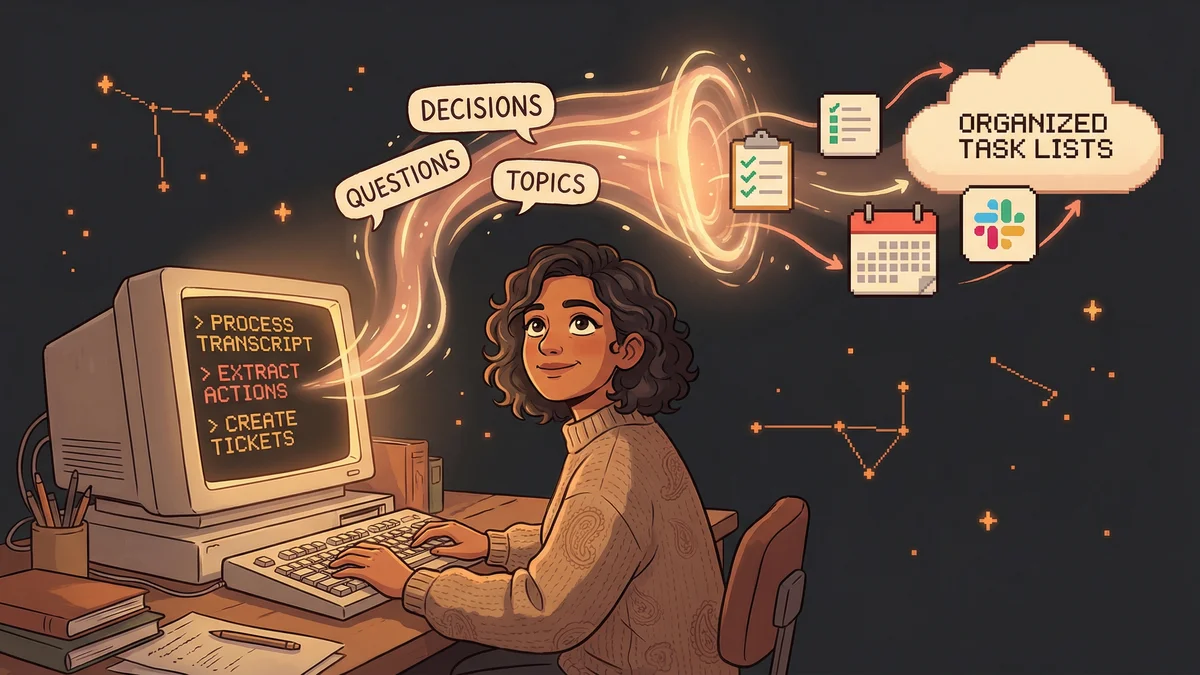
After meetings: He pastes the transcript. That’s it. Claude automatically creates meeting notes, extracts action items with owners, updates the team roster with anything new learned about people, and updates any other relevant context files.
Before 1:1s: He says “prep for 1:1 with Daniel.” Claude reads the person’s history, reviews recent notes, checks pending action items, suggests topics to cover. He walks into every 1:1 with full context.
Posting updates: “Post this to #engineering on Slack.” Done. No context switching to Slack. No losing his train of thought. He’s had Claude communicate with all his direct reports via Slack, asking them to set up recurring 1:1s. They didn’t realize it was AI.
The MCP Integration That Makes It Work
The Rube MCP integration gives Claude access to Calendar, Slack, Twitter, Linear, and other services. This transforms Claude from a note-taker into an actual assistant that executes.
“At any moment I can say ‘give me notes for the next meeting’ and Claude just knows what to do,” Obie explains. Being able to say “post to Slack” or “schedule a meeting” without context switching is the difference between a helpful tool and a superpower.
Same with calendar invites. Same with Twitter. Same with Linear. The execution happens without Obie touching those applications.
The Numbers After Three Weeks
- 82 meeting notes processed and filed
- 47 meetings in January alone (2+ per day)
- 18 documented 1:1s with full context and follow-up
- 35 action item tracking files with owners and status
- 23 team members tracked with 264 lines of detailed context
- 9 context documents maintained
- 11,579 total lines of institutional knowledge
All while shipping code. All while operating at the C-level with the CEO and CPO.
Real-World Applications
Hiring: Paste a candidate’s resume. Claude updates recruiting pipeline information, suggests interview questions based on team gaps, and preps for the screening call by reading recent 1:1s to understand what the team actually needs.
Performance management: “Walk me through the history with [Engineer Name].” Claude pulls up 1:1 notes, shows patterns of concerns, references decision records about expectations. Documentation that would take hours to compile, available in seconds.
Decision logging: “Log decision about X.” Claude discusses context and options, creates a structured decision record, links to relevant context. Three months later when someone asks “why did we switch from X to Y?”—the full rationale is documented. Not just the decision, but the alternatives considered and why they were rejected.
Planning: “What are the top three things blocking productivity right now?” Claude reads recent meeting notes, checks pending action items, checks Linear, and surfaces actual bottlenecks—not hunches.
Why This Beats Traditional Systems
Most knowledge management systems fail because maintaining them is a second job. Notion demands constant decisions about pages versus databases and workspace organization. Wikis go stale. Spreadsheets require manual updates.
This system works because Obie never thinks about it. He thinks about his work. The system captures it as a side effect of natural conversation.
“It’s not a todo list I have to maintain,” he says. “It’s not a wiki I have to keep up to date. It’s just Claude, always there, always listening, always organizing, always ready to surface exactly what I need.”
The Multiplier Effect
Voice input via Wispr Flow removes the last barrier. Stream of consciousness to Claude. No typing required for anything longer than a sentence or two.
Multiple concurrent sessions mean parallel workstreams. Prep for three different meetings simultaneously, each in its own tab with full context.
The system compounds. Every conversation adds context. Every decision creates a reference point. Every team update builds a richer picture of who people are and what they care about.
“When I need to make a strategic decision, I can say ‘what similar decisions have we made?’ and get actual relevant history,” Obie notes. “Not a search results page of possibly-related documents.”
Starting Your Own System
Obie’s advice is simple:
-
Just start. Open Claude Code in a fresh directory. Tell it what you need. Let it figure out the structure. Use it for a week and see what happens.
-
Connect your tools. MCP integration is essential. Calendar access alone is worth the setup.
-
Run multiple sessions. One session is good. Three concurrent sessions for parallel work is when you feel the superpower.
The system you build won’t match his. Claude builds for your brain and your role. But the pattern—invisible infrastructure maintained through conversation—works for any knowledge worker.
The Constraints (For Now)
Obie’s still limited to a terminal window. Voice input helps, but it’s not yet continuous conversation throughout the day. That’s obviously where this is going.
He can’t wait for Opus 5 or 6. Better models. Better integrations. Maybe a wearable. The terminal constraint is temporary.
But even now, constrained to text in a terminal, the system delivers capabilities that weren’t possible before. Managing 10 engineers. Shipping code. Operating at C-level. All with documented context and institutional memory that compounds daily.
“I’ve had executive assistants in the past. Good ones, making six figures,” Obie admits. “Claude is better. Than all of them. Put together.”