TL;DR
- Claude Code reviews every pull request automatically via GitHub Actions, cutting review time from 45 to 15 minutes per PR
- Saves 20 hours per week across an 8-engineer team (half an engineer’s time returned to development)
- CLAUDE.md file encodes team coding standards, architectural patterns, and review priorities
- Best for: Engineering teams with 30+ PRs per week drowning in review bottlenecks
- Key lesson: AI handles mechanical and logical checks; humans handle contextual and architectural judgment
An engineering team automated their pull request review process with Claude Code, reducing average review time from 45 minutes to 15 minutes per PR and saving 20 hours weekly across the team.
Patrick’s team was drowning in code reviews.
Eight engineers. Forty pull requests per week. Each PR needed someone to read the code, understand the context, check for bugs, verify style, leave comments.
“Code review is essential. It catches bugs. It spreads knowledge. But it was eating hours of our best engineers’ time.”
The bottleneck was human attention. Reviews queued. Engineers context-switched. Velocity suffered.
He wondered: could AI handle the routine parts?
The Problem Decomposition
Patrick broke down what code review actually involved:
Mechanical checks: Does the code follow style guidelines? Are variable names descriptive? Are there syntax issues linters missed?
Logical checks: Are there obvious bugs? Edge cases not handled? Potential race conditions?
Contextual checks: Does this change make sense architecturally? Does it fit the existing patterns?
“The first two categories are rule-based. An AI could handle them. The third requires human judgment about direction.”
The goal: automate the mechanical and logical, free humans for the contextual.
The Architecture
Patrick built a dual-loop agent system.
First loop: When a PR opens, Claude analyzes the diff. It looks for issues: style violations, obvious bugs, missing edge cases, unclear naming.
Second loop: Claude posts comments on specific lines. If it finds simple issues, it can push fixes directly. Complex issues get flagged for human attention.
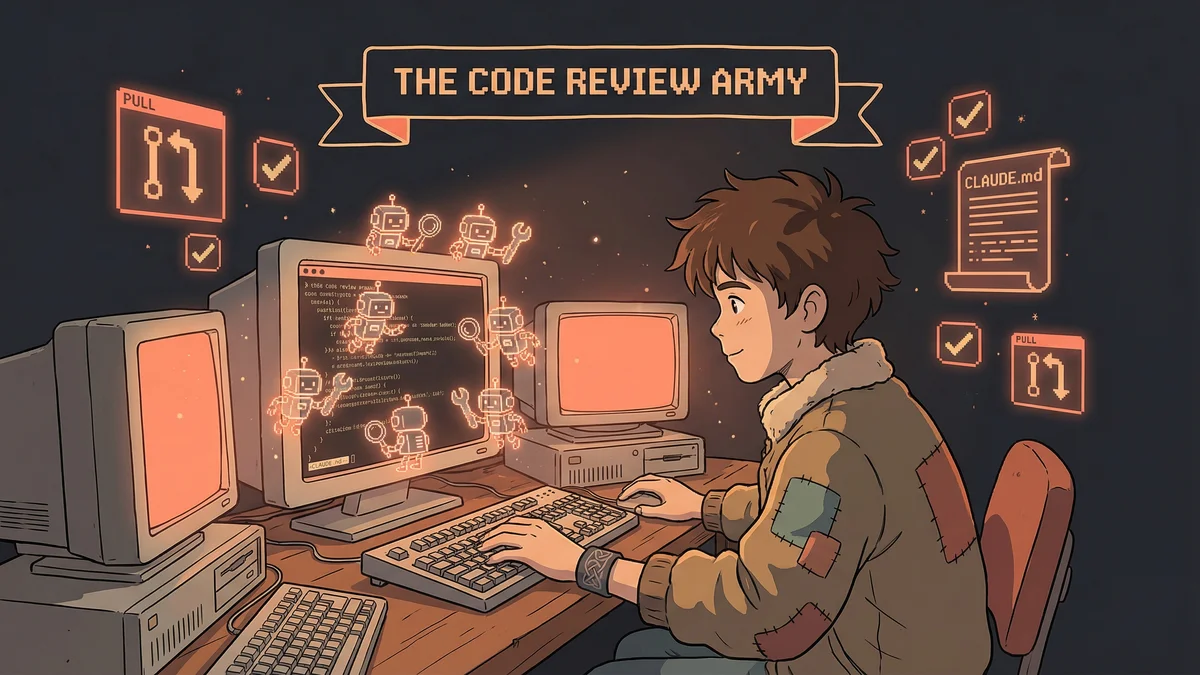
The whole system ran in GitHub Actions. Every PR triggered a Claude review before human reviewers saw it.
The CLAUDE.md Constitution
The key was context.
Claude needed to know the team’s coding standards. Their architectural patterns. Their preferred naming conventions.
Patrick created a comprehensive CLAUDE.md:
# Code Review Guidelines

## Style Rules
- Variables: camelCase for JS, snake_case for Python
- Functions: descriptive names, verbs for actions
- No magic numbers without comments explaining purpose

## Architectural Patterns
- All API calls go through the service layer
- State management uses Redux, never local state for shared data
- Tests required for any new function

## Review Priorities
1. Security vulnerabilities (critical)
2. Logic bugs (high)
3. Missing error handling (medium)
4. Style issues (low)
The document codified what human reviewers would otherwise carry in their heads.
The First Reviews
Patrick ran the system on existing PRs as a test.
Claude analyzed each diff. Posted comments. Flagged potential issues.
Some flags were correct: “This variable name doesn’t describe its purpose. Consider renaming from d to dateCreated.”
Some were over-eager: “This function could be optimized” on a function that ran once at startup.
“We tuned the prompts. Added rules about when to comment versus when to stay silent. The second iteration was much better.”
The Subjective Lint
The most valuable capability wasn’t traditional linting.
Traditional linters catch syntax errors. They miss meaning errors.
Claude could “subjective lint” — catching issues that required understanding:
- A comment that contradicted the code it described
- A function name that didn’t match its behavior
- Error messages that wouldn’t help users debug
- TODOs that had been TODO for six months
“These weren’t rule violations. They were quality issues that slipped past linters but annoyed reviewers.”
The Auto-Fix Capability
Some issues didn’t need discussion.
Missing semicolons. Trailing whitespace. Import order. Simple style violations.
Patrick gave Claude permission to fix these automatically.
“If the issue is objective and the fix is obvious, just fix it. Don’t comment, don’t ask — push the fix.”
Engineers found their PRs slightly cleaned up before review. Minor friction removed automatically.
The Human Handoff
Complex issues couldn’t be auto-fixed.
When Claude found something that required judgment — an architectural choice, a performance trade-off, a design decision — it flagged for humans.
“Claude, flag this but don’t fix it: ‘This function queries the database in a loop. Consider batching. This is a design decision that needs human input.’”
The comments were informative, not prescriptive. They raised awareness. Humans decided.
The Iteration Process
The system improved through feedback.
When Claude flagged something incorrectly, Patrick added a rule: “Don’t flag X in Y situation.”
When Claude missed something, Patrick added a rule: “Always check for Z.”
“The CLAUDE.md became a living document. Every review that went wrong taught us something.”
Over weeks, the false positive rate dropped. The true positive rate climbed. The system learned the team’s preferences.
The Time Savings
Patrick measured the impact.
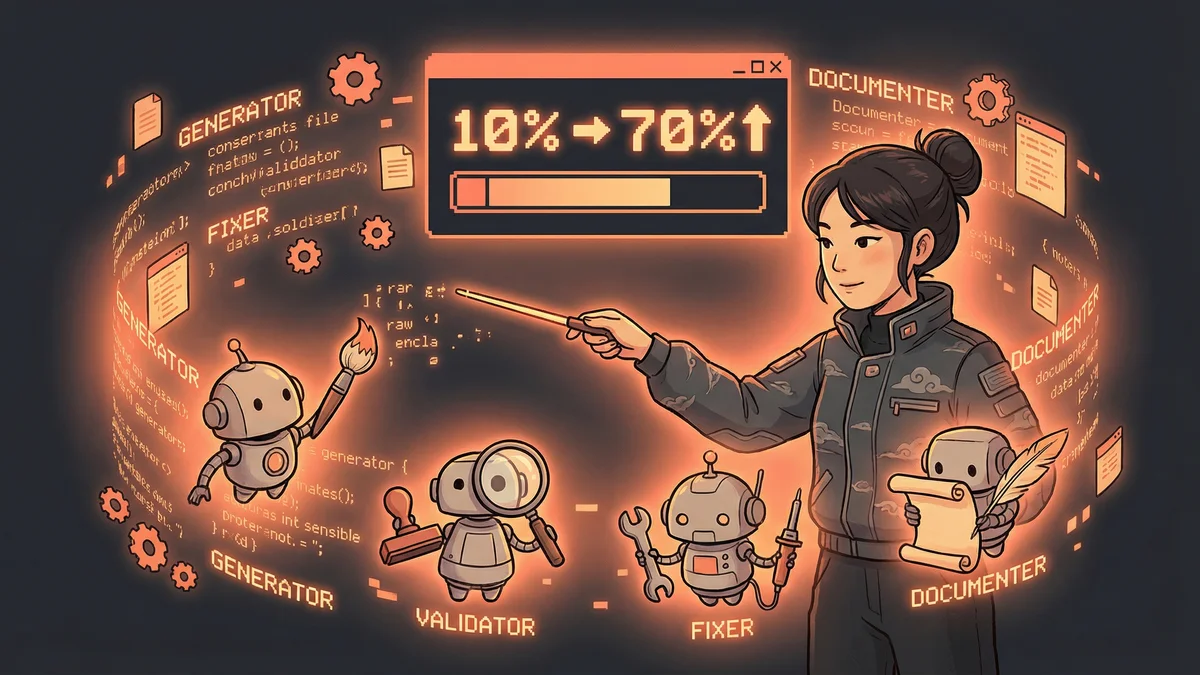
Before automation: average 45 minutes per PR for first-pass review.
After automation: average 15 minutes per PR. Claude handled the first 30 minutes of routine checks.
“We saved 20 hours per week across the team. That’s half an engineer’s time, returned to actual development.”
The engineers liked it too. Reviews became more interesting when the boring parts were pre-done.
The Unexpected Benefits
Automation revealed patterns.
Claude’s reports showed which files had the most issues. Which engineers needed style guidance. Which areas of the codebase were consistently problematic.
“We got visibility we didn’t have before. The AI review was also an audit.”
The data informed training. The engineer who kept getting style comments got targeted mentorship. The buggy module got dedicated refactoring.
The Scope Limits
Patrick was careful about scope.
Claude could comment and fix style issues. It couldn’t approve PRs. It couldn’t merge code. The final decision remained human.
“AI review is assistance, not authority. It catches things. It doesn’t judge whether to ship.”
The constraint was intentional. AI could be wrong. The human backstop caught mistakes.
The Security Variant
The same architecture powered security reviews.
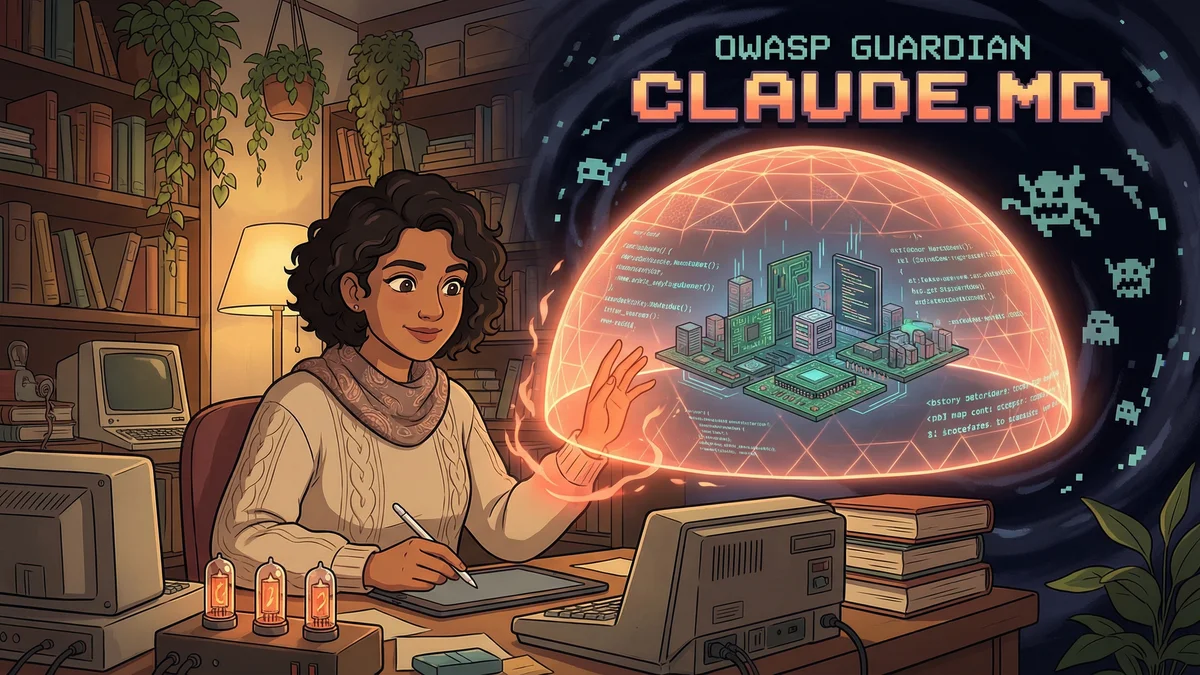
A separate workflow ran OWASP-focused analysis. Different CLAUDE.md rules:
- Check for hardcoded credentials
- Flag SQL string concatenation
- Identify exposed API keys
- Verify input sanitization
Security review caught vulnerabilities before they reached production. Same automation, different focus.
The Design Review Variant
For frontend changes, another variant.
Claude examined UI code against design guidelines. Accessibility compliance. Consistent spacing. Brand colors.
“Three review types: code, security, design. Same architecture, different rulesets.”
The modular approach meant adding new review types was easy. Just new rules, same system.
The Adoption Advice
For teams considering automated review:
“Start small. One review type. A few rules. See what Claude catches. Expand from there.”
“Over-eager AI is annoying. Under-eager AI is useless. Tune until it feels like a helpful colleague, not a nagging linter.”
“Keep humans in the loop. The AI assists; humans decide. That separation matters for trust and quality.”
The Broader Pattern
Patrick saw code review as one instance of a general pattern.
“Any rule-based evaluation that humans do repeatedly, AI can do first. Code review. Document review. Data validation. The pattern is: AI checks against known rules, humans handle judgment calls.”
The pattern scaled beyond software. Contract review. Form validation. Quality assurance.
The Current State
A year later, the system was standard practice.
Every PR got AI review. Engineers expected it. The CLAUDE.md had grown to a hundred rules.
“We can’t imagine going back. Manual first-pass review feels like typing URLs instead of clicking links. You could, but why?”
The automation became invisible infrastructure. Just how things worked.