TL;DR
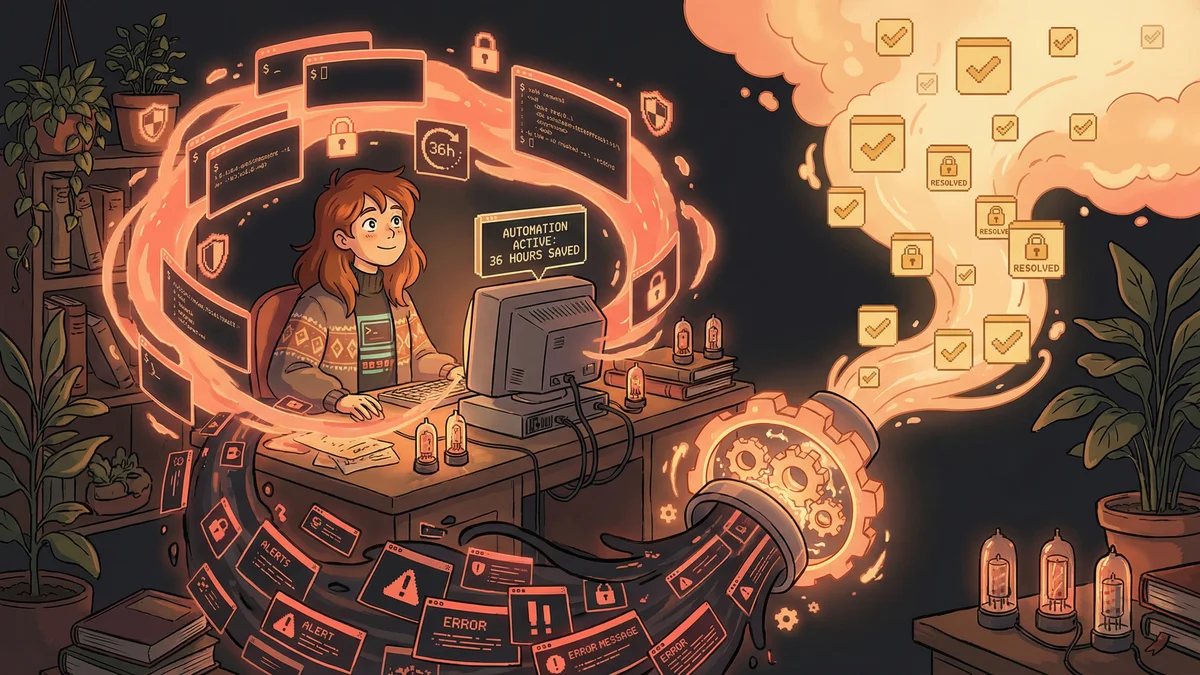
- Security team automated alert response workflows and recovered 36 hours per week
- Saves $3,000-4,000 weekly in recovered capacity (at $80-100/hour loaded cost)
- Uses Tines platform integrated with Slack, Jira, and security tools
- Best for: Security teams drowning in alert fatigue and administrative overhead
- Key lesson: Automate logistics, not judgment; humans handle escalation decisions
A small security team eliminated 36 hours of weekly administrative overhead by automating alert triage, Slack channel creation, and Jira ticket management while keeping humans in the loop for actual threat investigation.
Notion’s security team had a problem every security team has.
Alerts. Endless alerts.
Phishing attempts. Suspicious login patterns. Configuration changes. Compliance checks. Vulnerability scans. Each generated notifications that required human attention.
The team couldn’t ignore alerts — any one of them could be a real threat. But they also couldn’t keep up manually. The volume was crushing.
“We were spending our days creating Slack channels, filing Jira tickets, updating documentation. Necessary work, but not security work.”
The administrative overhead of responding to alerts consumed more time than actually investigating them.
The Alert Avalanche
Modern security tools are good at detecting potential issues.
Too good, sometimes.
A typical week might generate hundreds of alerts. Most were false positives or low-priority issues. But buried among them were real threats that needed immediate attention.
Sorting the signal from the noise was exhausting. And the administrative tasks around each alert — documenting, communicating, tracking — created overhead that multiplied with volume.
“Every alert triggered a checklist. Create a channel. Notify stakeholders. Open a ticket. Link the documentation. It was the same steps every time, and it was eating us alive.”
The Automation Layer
The team implemented Tines, a workflow automation platform designed for security operations.
The goal: automate the repetitive logistics of incident response while keeping humans in the loop for actual decision-making.
Automated Tasks:
- When a security alert fired, automatically create a dedicated Slack channel
- Pull relevant context (user info, system logs) into that channel
- Create a Jira ticket with standard fields pre-populated
- Notify appropriate team members based on alert type
- Link to relevant documentation and runbooks
- Track resolution status and escalate if needed
All of this happened within seconds of an alert triggering. No human had to remember the checklist or perform the steps manually.
The 36-Hour Recovery
The impact was measurable.
Time saved: approximately 36 hours per week.
That’s essentially one full-time employee’s worth of work. Not investigation time — just administrative overhead that the automation eliminated.
The security team’s headcount didn’t change. But their effective capacity roughly doubled because they weren’t drowning in logistics.
“We could actually investigate things now. We could think about threats instead of thinking about ticketing systems.”
The Consistency Win
Beyond time savings, automation brought consistency.
Human processes drift. Tired team members skip steps. New team members don’t know all the procedures. Documentation gets outdated.
Automated processes run the same way every time. Every alert got the same treatment. Nothing was missed because someone forgot or was overloaded.
“Before, some incidents got thorough responses and others got quick patches because we were swamped. Now everything gets the full process.”
Consistency matters for security. A threat that slips through because of an incomplete response can cause far more damage than the time saved by cutting corners.
The Escalation Intelligence
Smart automation knows when to involve humans.
The Tines workflows included decision points. Routine alerts followed standard paths. Unusual patterns triggered escalation.
If an alert matched certain criteria — high severity, sensitive systems, repeat patterns — the workflow automatically pinged senior team members and elevated priority.
“The automation didn’t just do tasks. It made decisions about what needed human attention. And it was usually right.”
This meant humans could trust the system. If something didn’t escalate to them, they could be reasonably confident it was being handled appropriately at a lower level.
The Integration Web
Security teams use many tools. SIEM platforms. Endpoint detection. Cloud security. Identity management. Vulnerability scanners.
Tines connected them all.
An alert from one system could trigger lookups in another system, correlated with data from a third, documented in a fourth. The automation orchestrated across the entire tool stack.
“Before, we’d see an alert and then spend 20 minutes gathering context from five different dashboards. Now the alert comes with context attached.”
Faster context meant faster response. And faster response meant less damage from actual threats.
The Process Documentation
An unexpected benefit: the automation served as living documentation.
When security procedures were manual, they existed in documents that got outdated. New team members had to learn by shadowing or reading SOPs that might not match reality.
When procedures were automated, the automation itself was the documentation. How did incident response work? Look at the workflow. The source of truth was the thing that actually ran.
“Onboarding got easier. Instead of explaining our processes, I’d show new people the automations. They could see exactly what happened when.”
The Alert Fatigue Cure
Alert fatigue is a real phenomenon. When security teams see too many low-priority notifications, they start ignoring them. Important signals get missed because everything feels like noise.
Automation helped cure this.
By handling the administrative response to alerts automatically, the team only had to engage when investigation was genuinely needed. The noise was managed by machines.
“I stopped dreading my notification feed. I knew that if something reached me directly, it actually needed me.”
Human attention is finite. Automation preserved that attention for cases that deserved it.
The Applicability Beyond Security
Notion’s experience has lessons for any business dealing with high-volume repetitive workflows.
The pattern:
- Identify a process with many repetitive steps
- Map those steps explicitly
- Determine which steps require human judgment
- Automate everything else
- Connect the automated workflow to human handoff points
This works for customer support (automatic ticket routing and initial response). For sales (automatic lead qualification and scheduling). For operations (automatic monitoring and alerting).
The security context was specific, but the principle is universal: let automation handle logistics so humans can handle judgment.
The ROI Calculation
Notion’s security team recovered 36 hours per week.
Assuming an average security professional cost of $80-100/hour loaded, that’s $3,000-4,000 per week in recovered capacity.
The automation platform cost was a fraction of that. ROI was rapid and dramatic.
“We didn’t do a formal business case before implementing. But if we had, the numbers would have been overwhelming.”
For most small businesses, similar math applies. Automation tools cost hundreds per month. The time they save often represents thousands in labor value.
The Ongoing Evolution
The security team continues refining their automations.
New alert types get added. New tools get integrated. Workflows get optimized based on experience.
“It’s not a one-time project. It’s an ongoing capability. We’re always finding new things to automate.”
This evolution is enabled by the automation platform’s flexibility. Adding a new workflow takes hours or days, not months.
The team that used to drown in administrative work now spends time improving how work gets done. A much better use of their expertise.