TL;DR
- Claude Code transformed 3,000+ scattered notes across multiple apps into a unified, searchable knowledge system
- What would take weeks manually was completed overnight with automated categorization and migration
- Key approach: Run Claude from home directory with full filesystem access for cross-app organization
- Best for: Anyone drowning in Apple Notes, Obsidian vaults, Google Docs, and browser bookmarks
- Critical insight: Organization isn’t a one-time project—Claude handles ongoing maintenance automatically
Claude Code can transform years of scattered notes into a queryable knowledge system that actually surfaces what you need, when you need it.
The notes were everywhere.
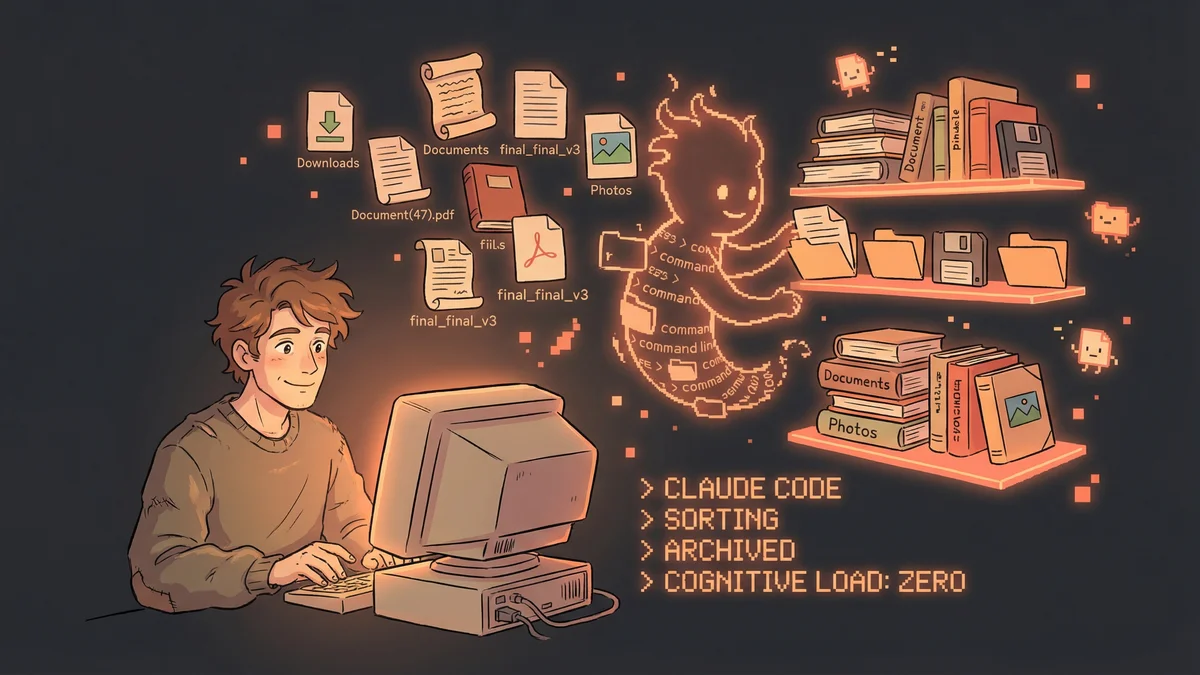
Apple Notes: 2,847 items dating back to 2015. Obsidian vault: 600+ markdown files, half-organized. Random Google Docs: “untitled” after “untitled.” Browser bookmarks: Thousands. Untagged. Unsorted.
Justin knew something valuable was buried in there. Ideas he’d had. Articles he’d saved. Connections waiting to be made.
But finding anything? Impossible. His “knowledge system” was really a “knowledge graveyard” - ideas went in but never came out.
The cognitive load of figuring out where to store things was insane. Where does this note go? What folder? What tag? He’d spend more time organizing than thinking.
The Breaking Point
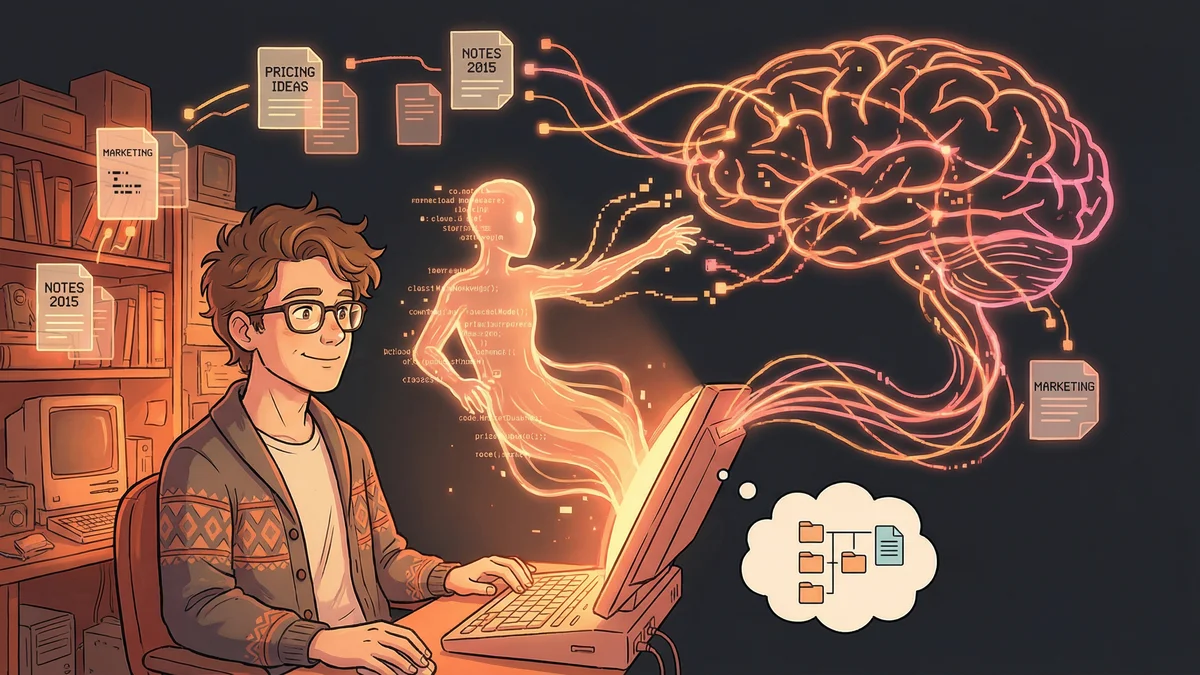
One day, Justin needed to find something. A specific idea he’d had about pricing strategies. He knew he’d written it down. He remembered the context. But which app? Which folder? What was it titled?
Twenty minutes of searching. Nothing.
The idea he needed was in his system. He just couldn’t get to it. His “second brain” had dementia.
The Radical Approach
Justin tried something different. He opened Claude Code from his home directory - the highest level, access to everything - and said:
"I want you to be my personal organization assistant.
Here's my problem: notes everywhere, no system.
Help me find things. Help me see connections.
Eventually, help me build a better system."
Then he started asking questions:
"Search all my notes for anything about pricing.
Also check downloads, documents, any text file.
Show me what I've written or saved on this topic."
Claude found 34 items across 6 different locations. Notes he’d forgotten. Articles he’d saved years ago. An abandoned draft that actually had great insights.
His knowledge was there. He just needed a better way to access it.
The Living Organizer
Justin’s system evolved. Now Claude does regular maintenance:
Weekly cleanup:
"Scan my Apple Notes. Find any that should be:
- Merged (duplicates or related topics)
- Archived (old, irrelevant)
- Moved to my main vault (important enough to keep)

Also check my Downloads folder. Anything older than 30 days
that's not a keeper should be flagged for deletion."
Continuous organization:
"Yesterday I had Claude go through every single note I have.
Update tags, re-organize, merge duplicates, fix formatting.
Now my notes are perfect - Claude keeps them that way."
The key insight: Organization isn’t a one-time project. It’s ongoing maintenance. And Claude never gets tired of maintenance.
The Knowledge Graph Upgrade
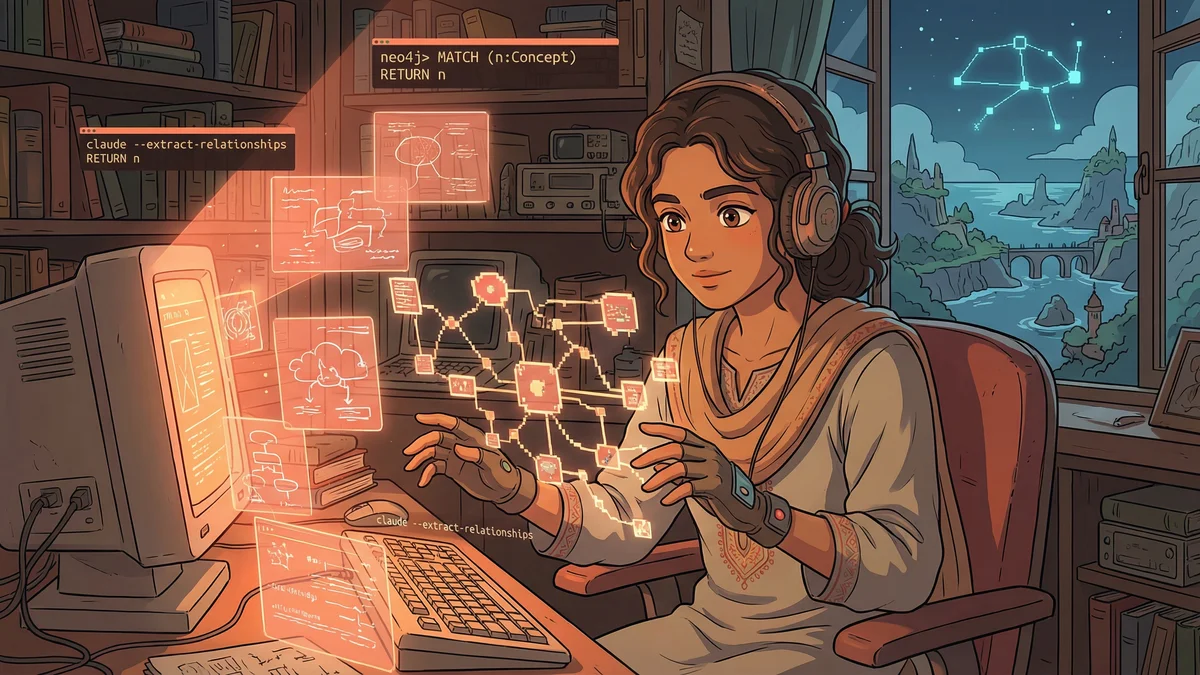
Some users went even further. One built a Neo4j knowledge graph from his notes:
"Read all my notes.
Create a graph database where:
- Each note is a node
- Similar topics create connections
- References between notes create links
- Tags create category relationships

Let me query this like: 'What do I know about X?'
or 'How does Y connect to Z?'"
The result: He could ask Claude about his own knowledge.
“Find connections between my notes on marketing and my notes on psychology. What cross-connects do I have?”
Claude found patterns across 10 years of scattered notes that he never consciously saw. Themes he kept returning to. Ideas that evolved across years of thinking.
The Apple Notes Exodus
One user had a decade of Apple Notes to migrate. 3,000+ notes. Some important. Most not. All trapped in Apple’s ecosystem.
"Export all my Apple Notes using AppleScript.
Read each one and categorize:
- Keeper (important, still relevant)
- Archive (historical interest only)
- Delete (junk, outdated)
- Needs Review (can't auto-categorize)

For keepers, convert to markdown with proper tags.
Put them in my Obsidian vault with logical organization."
Claude wrote the AppleScript, processed every note, made intelligent decisions about what mattered.
What would have been weeks of tedious work: Done overnight.
The Daily Journal System
Another pattern: using Claude to maintain a journal/note system that actually gets reviewed:
"Every day at lunch, consolidate my morning notes.
Anything I captured in quick scratch notes:
- Organize into proper entries
- Add to relevant project files
- Create tasks from action items
- Update my daily log

Think of yourself as my personal librarian -
everything in its place, nothing lost."
The user’s scattered thoughts become organized knowledge. Automatically. Daily.
The “What Do I Know?” Query
The real magic happens when your notes become queryable:
"Search all my notes, documents, and saved articles.
Answer this question from my own knowledge:
What are the best practices I've collected for [topic]?

Cite where each piece of information came from."
It’s like having a research assistant who’s read everything you’ve ever saved. Who can synthesize your own knowledge for you. Who remembers what you’ve forgotten.
Getting Started
Phase 1: Assessment
"Look at my notes across [list locations].
Give me a high-level picture:
- How many items in each location?
- What topics appear most frequently?
- How much is duplicated?
- What's the oldest/newest content?
- What percentage looks valuable vs. noise?"
Phase 2: Quick Wins
"Find all duplicate notes across my system.
Show me the pairs so I can decide which to keep.

Find all notes with no tags or organization.
Suggest tags based on content."
Phase 3: Ongoing Maintenance
"Check my notes weekly.
Any new notes without tags? Tag them.
Any notes that should link to others? Create links.
Any notes that are really tasks? Move to task list.
Keep everything organized automatically."
The Transformation
Before: Knowledge exists but can’t be accessed. Ideas decay. Connections unmade. The act of saving something creates an illusion of usefulness.
After: Knowledge is alive. Queryable. Connected. The things you’ve learned compound because you can actually build on them.
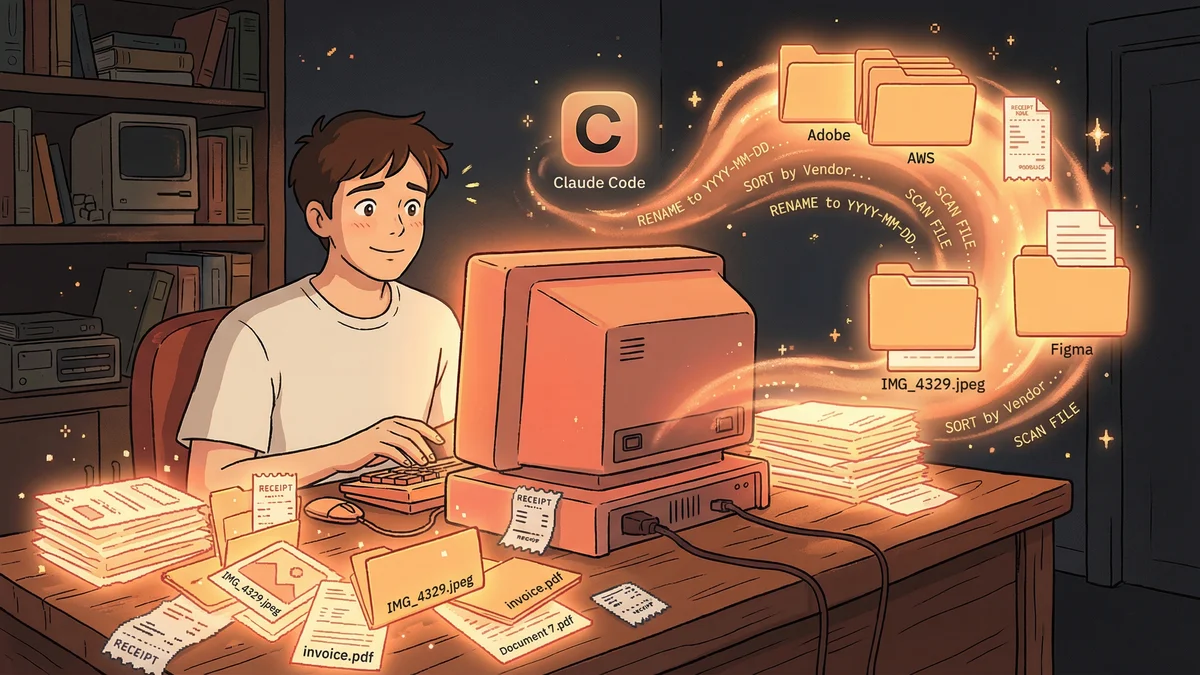
“My hack: I run Claude Code from my home directory and use it as my personal organization assistant. Find duplicate files. Organize downloads. The cognitive load of organizing things? Gone.”
Your second brain isn’t just storage anymore. It actually thinks.